
About Infinity Battlefield Ops
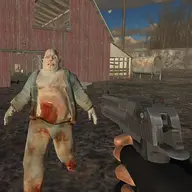
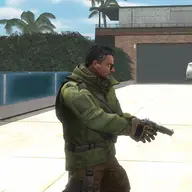
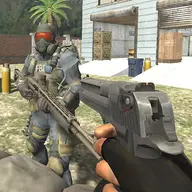
Infinity Battlefield Ops places you in the role of an army commando during a 3D battlefield shooting operation. The action combines movement, gunfire, vehicle access, and parachute control, so survival depends on handling more than just your weapon. You must choose a strategy against opposing forces while taking part in the special-ops battle.
Several army guns are available through the weapon controls, letting you change your approach as the situation develops. The battlefield also includes a car and parachute actions, giving the operation extra movement options alongside the first-person shooting.
How to Play Infinity Battlefield Ops
Use W, A, S, and D to move around the battlefield, and press Space to jump.
Aim and fire with the left mouse button when confronting enemies.
Press 1 through 5 to switch between available weapons, then use R when a reload is needed.
Use Q for the hit action, E to enter the car, and the brake command when required.
Press the parachute control when you need to open it during the operation.
Tips & Tricks
- 1Change weapons with 1 through 5 instead of staying tied to one gun throughout the firefight.
- 2Use the car and parachute actions deliberately, since both are part of navigating this battlefield operation.
- 3Plan how to approach enemy positions before firing, because the game expects strategy as well as accurate shooting.
Game Info
- #3D
- #Action
- #Boy
- #HTML5
- #Shoot
- #Shoot 'Em Up
- #Shooter
- #WebGL
Something wrong with this game or its description?