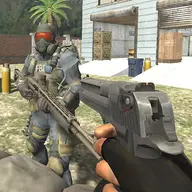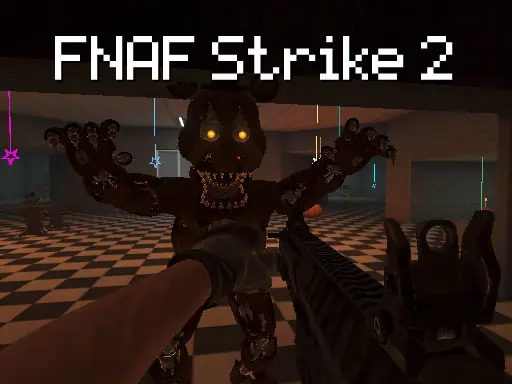
About FNAF Strike 2
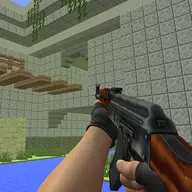
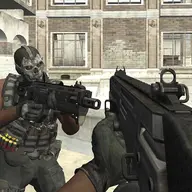
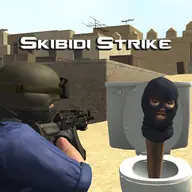
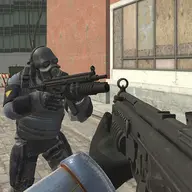
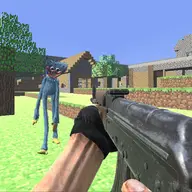
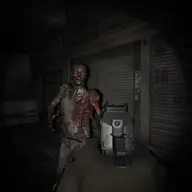
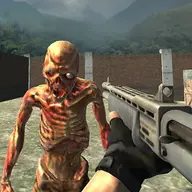
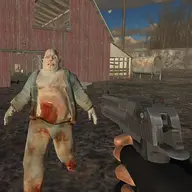
FNAF Strike 2 places you in a first-person fight through dark, unsettling corridors occupied by hostile animatronics. The main challenge is surviving sudden threats while searching these creepy surroundings for a way out. Its horror setting gives every turn a reason to stay ready, combining tense exploration with direct shooting action.
Different situations call for movement, aiming, and careful weapon handling rather than simply firing without thought. Flashlight use helps you deal with the gloomy environment, while crouching, running, jumping, and grenades add practical choices during the battle. Finding the exit safely is the goal as hidden dangers and jump scares keep the journey uneasy.
How to Play FNAF Strike 2
Use WASD to move through the corridors, and use the mouse to aim and fire with the left button.
Press the right mouse button to aim, use the flashlight when the dark surroundings make threats harder to handle, and press R to reload.
Switch weapons with the mouse wheel, throw a grenade with G, crouch with C, run with Shift, and jump with Space.
Explore the environment, fight hostile animatronics, and continue looking for the exit while staying prepared for danger.
Tips & Tricks
- 1Reload with R before a fight leaves your weapon empty, especially after spending several shots on an animatronic.
- 2Use aiming for more controlled attacks, and keep the flashlight available when dark corridors hide possible threats.
- 3Running, crouching, jumping, and grenades each offer different ways to respond, so choose the movement or tool that fits the immediate danger.
Game Info
- #3D
- #3D Games
- #Action
- #CSGO
- #First Person Shooter
- #Horror
- #Shoot
- #Shoot 'Em Up
- #Shooter
- #Shooting
- #Unity3D
Something wrong with this game or its description?