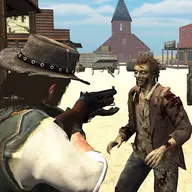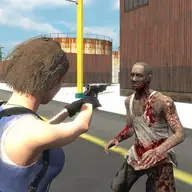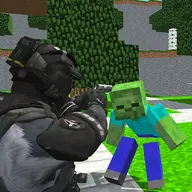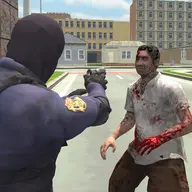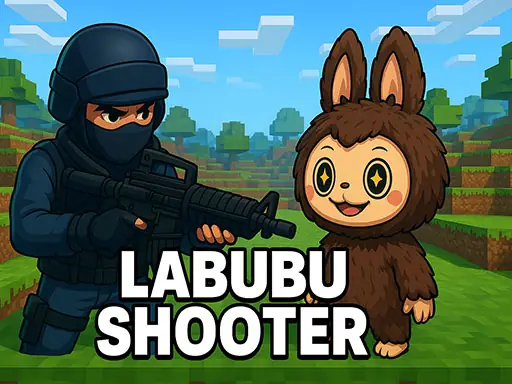
About Labubu Shooter
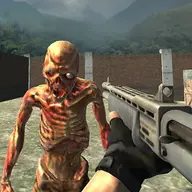
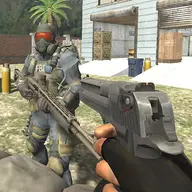
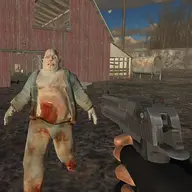
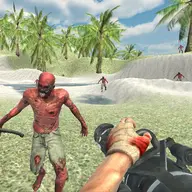
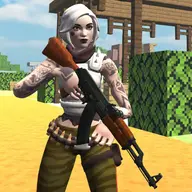
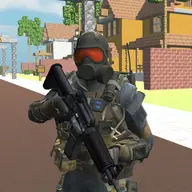
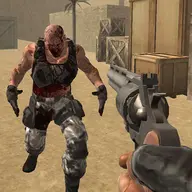
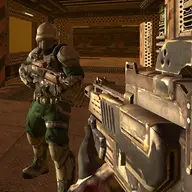
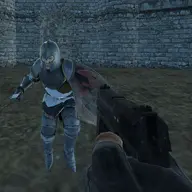
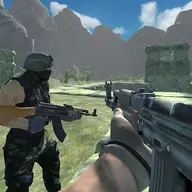
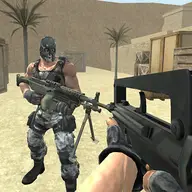
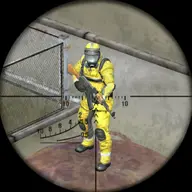
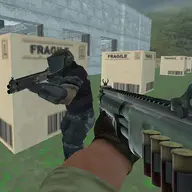
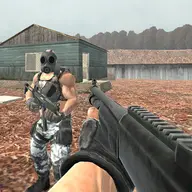
Labubu Shooter combines first-person shooting with a playful battle against waves of Labubu creatures. Its action takes place in Minecraft-inspired surroundings, while the Counter Strike-style approach gives movement, aiming, weapons, and utility tools distinct jobs.
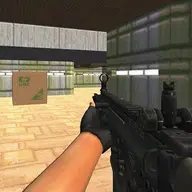
You control an operative from a first-person view and decide when to fire, reload, throw a grenade, or use a melee attack. The mixture of tactical controls and unusual opponents keeps the shooting focused without losing its quirky character.
How to Play Labubu Shooter
Move with WASD and use the mouse buttons for shooting and aiming.
Press R to reload, G to throw a grenade, and H when a close-range melee attack is needed.
Use F for the flashlight, C to crouch, Space to jump, and Shift to run.
Choose weapons with the number keys from 1 through 9, and press Tab to pause or M to mute.
Tips & Tricks
- 1Aim before firing when a Labubu wave is approaching so your shots are directed where they matter.
- 2Reload with R before relying on your weapon again, rather than waiting until an opponent is already close.
- 3Use movement options deliberately: crouching can change your stance, while running helps you reposition around the Minecraft-inspired areas.
- 4Keep the grenade and melee controls in mind for situations where ordinary shooting is not the best response.
Game Info
- Category
- Shooting
- Platform
- Web browser
- Price
- Free
- Added
- Oct 27, 2026
- #1 Player
- #3D
- #3D Games
- #Action
- #CSGO
- #First Person Shooter
- #Gun
- #Labubu
- #Shoot
- #Shoot 'Em Up
- #Shooter
- #Shooting
- #Unity3D
Something wrong with this game or its description?