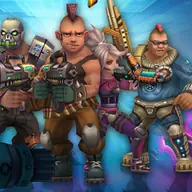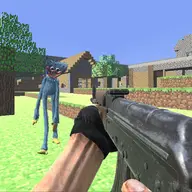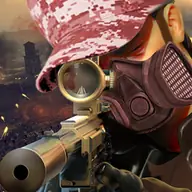
About FPS Shooter 3D City Wars
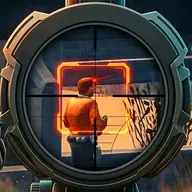
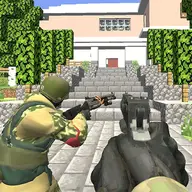
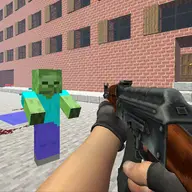
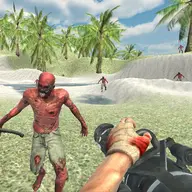
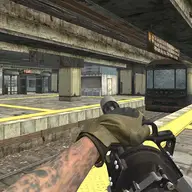
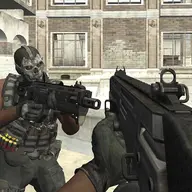
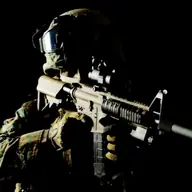
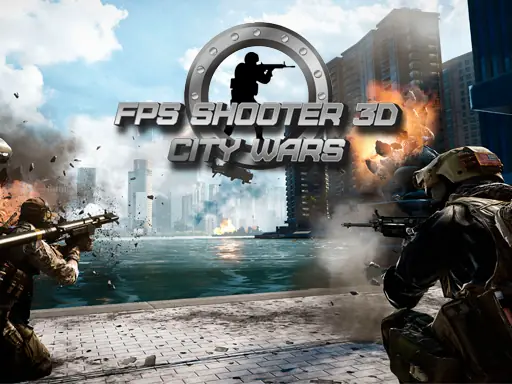
FPS Shooter 3D City Wars places you in a first-person battle through a city, where you and your team confront terrorists. The 3D presentation and WebGL action keep the focus close to the fight, while the shoot em up format calls for movement as well as accurate attacks.
Your task is to take real action against terrorist organizations rather than simply observe the battle. Team combat gives the scenario a coordinated feel, and the range of movement options lets you choose between standing, crouching, lying down, or shifting position while dealing with threats.
How to Play FPS Shooter 3D City Wars
Use WASD to move around the city battlefield and Space to jump over obstacles or change your position.
Aim with the right mouse button and fire with the left mouse button, using Q or E to tilt in either direction when you need a different angle.
Press R to reload, Ctrl to crouch, and X to lie down. T activates time dilation, while Esc pauses the game.
Tips & Tricks
- 1Reload with R before your magazine leaves you unable to respond during a confrontation.
- 2Use crouching or lying down when a lower position suits the fight, then move with WASD when you need to change location.
- 3Combine aiming with tilting through Q or E instead of relying on a single fixed stance in the city combat.
Game Info
- #3D
- #Battle
- #Boys
- #HTML5
- #Shoot
- #Shoot 'Em Up
- #Shooter
- #WebGL
Something wrong with this game or its description?