About Warfare Area 2
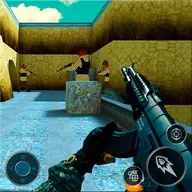
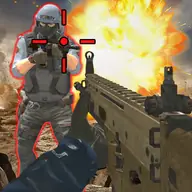
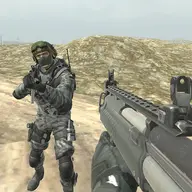
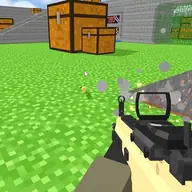
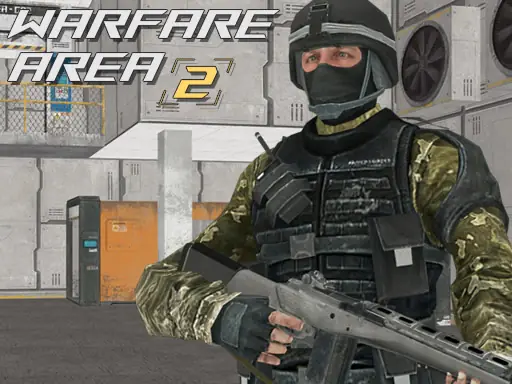
Warfare Area 2 places you in a 3D first-person battle where the goal is to clear enemies from the area. You carry a rifle, search the battlefield for first aid kits, and try to remain alive while the combat continues.
The game works on both computers and mobile devices, with keyboard and mouse controls on one platform and touch controls on the other. Moving, aiming, firing, reloading, and pausing are all part of managing each encounter, while health supplies can help you stay in the fight.
How to Play Warfare Area 2
On a computer, move with the arrow keys or W, A, S, and D.
Turn, aim, and shoot with the mouse; press L to lock the pointer and R to reload.
Use P when you need to pause the computer version.
On mobile, steer with the on-screen joystick and use the firing control to attack; drag on the right side to adjust your view.
Eliminate the enemies in the area, collect first aid kits, and survive the battle.
Tips & Tricks
- 1Reload with R before your rifle runs empty, especially when moving toward another enemy.
- 2Pick up first aid kits when your health needs support rather than leaving them behind.
- 3On mobile, use the movement pad and right-side view control separately to keep aiming manageable.
Game Info
- #3D
- #3D Games
- #Action
- #Android
- #Army
- #Battle
- #Boys
- #Gun
- #HTML5
- #Killing
- #Mobile
- #Shoot
- #Shooter
- #Shooting
- #War
- #weapons
Something wrong with this game or its description?