About Warfare Area
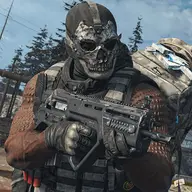
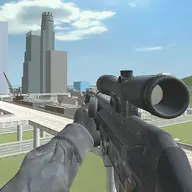
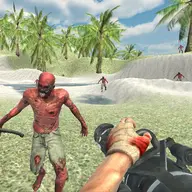
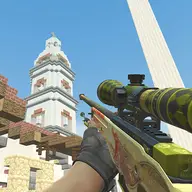
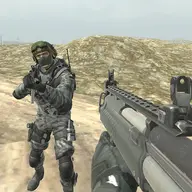
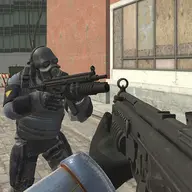
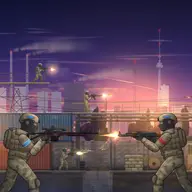
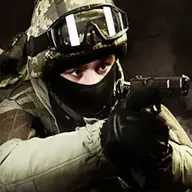
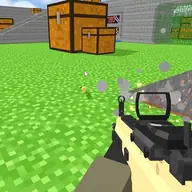
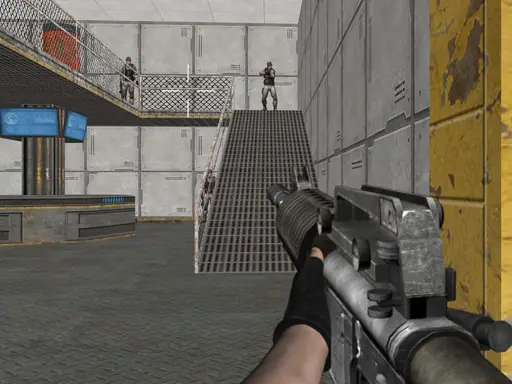
Warfare Area places you in a captured base as the last soldier from your troop. Armed with a rifle, you must move through the combat area, turn toward threats, and shoot the enemies standing between you and the base.
The game focuses on direct shooting controls, with separate movement and aiming inputs. Desktop players can use a keyboard and mouse, while mobile players rely on an on-screen joystick, a fire button, and touch gestures for turning.
How to Play Warfare Area
On desktop, move with the arrow keys or WASD. Use the mouse to turn, aim, and shoot.
On mobile, guide movement with the on-screen joystick and fire with the fire button.
Tap and drag on the right side of the mobile screen to aim and turn the character while engaging enemies.
Tips & Tricks
- 1Keep movement and aiming coordinated so you can face an enemy before firing instead of shooting from an awkward angle.
- 2Use the desktop mouse deliberately for turning, or make controlled right-side drags on mobile to avoid losing your view.
- 3When advancing through the base, check your direction before moving again so threats do not remain outside your aim.
Game Info
- #Action
- #Army
- #Gun
- #HTML5
- #Killing
- #Mobile
- #Shooter
- #War
Something wrong with this game or its description?