About Armed Forces.io
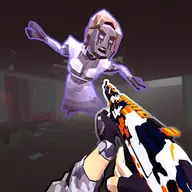
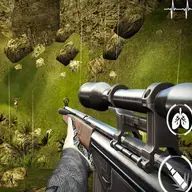
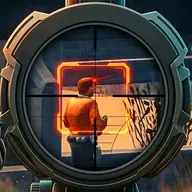
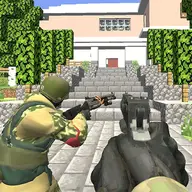
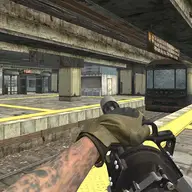
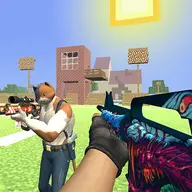
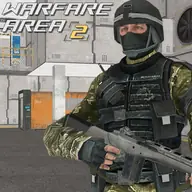
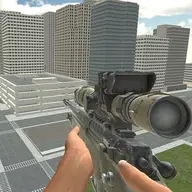
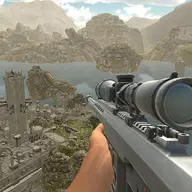
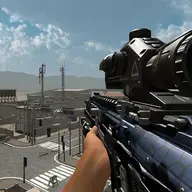
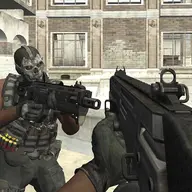
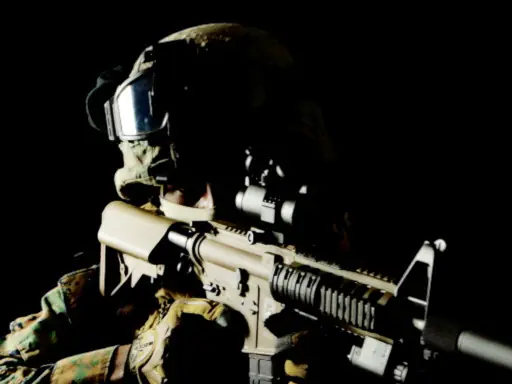
Armed Forces.io is a 3D multiplayer first-person shooting game focused on searching a map for opposing soldiers. Encounters can demand careful movement, quick firing, and accurate aiming, while the possibility of danger around the map keeps each search active.
The controls also support more than basic shooting. You can sprint, slide during movement, switch between weapons, collect equipment, and communicate through chat. Aiming with the secondary mouse button helps prepare precise shots, while usable supplies and thrown explosives add extra choices during combat.
How to Play Armed Forces.io
Move with WASD or the arrow keys, then use the left mouse button to fire.
Hold the right mouse button when you want to aim more carefully.
Run with Left Shift, or slide while moving by pressing Space.
Select another weapon with 1, 2, or 3, and use E or F to interact with pickups.
Use G for the available thrown explosive, H for the available medical kit, and T to chat.
Tips & Tricks
- 1Check your surroundings while crossing the map because opponents may be positioned in different areas.
- 2Switch weapons with the number keys when your current option is not suitable for the encounter.
- 3Save the medical kit for a useful recovery moment, and combine movement with aiming instead of standing still while firing.
Game Info
- #.io
- #3D
- #Army
- #Best
- #Best Games
- #First Person Shooter
- #fps
- #free games for your site
- #Gun
- #Multiplayer
- #Shooting
- #Sniper
- #Unity3D
- #weapons
Something wrong with this game or its description?