About Fort Schütze Simulator
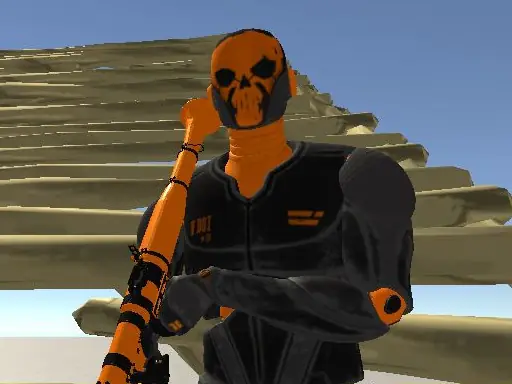
Fort Schutze Simulator lets you design a personal fort and train with different weapons and projectiles. Three structural options give you a starting set of building choices, while the creation tools let you arrange a world of your own design.
The game combines construction with first-person weapon practice. You can place fort sections, change equipment, and walk around your creation in a 3D setting. Its main appeal is deciding how the fort should look, then testing the available tools inside it.
How to Play Fort Schütze Simulator
Use WASD to move around the designed world.
Hold the right mouse button to aim and the left button to shoot or create a fort part.
Press E to cancel construction or pick up a weapon.
Use number keys 1 through 4 to switch weapons, with additional weapon keys available on 5, 6, and 7.
Tips & Tricks
- 1Build a few fort sections before changing weapons so you can understand the available structure choices.
- 2Aim before firing to keep your shots directed where you intend.
- 3If a construction action is no longer useful, press E to cancel it rather than placing another part.
Game Info
- #3D
- #3D Games
- #Simulation
- #Simulator
- #weapons
- #WebGL
Something wrong with this game or its description?