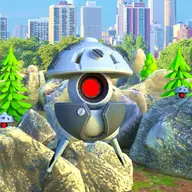
About Player vs Robots
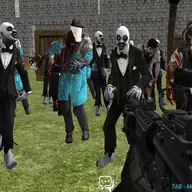
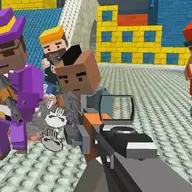
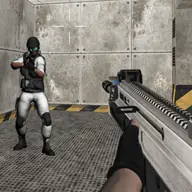
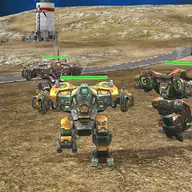
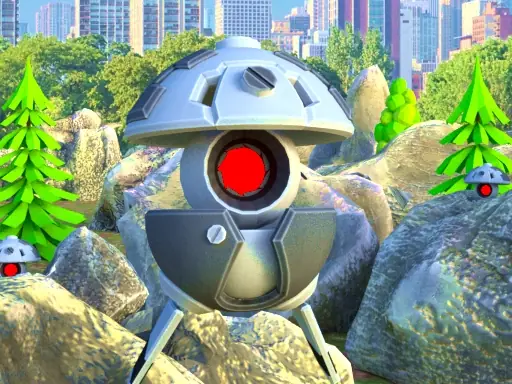
Step into a first-person action game where your task is to fight robots and protect the world. You move through the battlefield with keyboard controls, aim with the mouse, and choose when to fire or run. The robot opponents give every encounter a direct combat focus.
The game offers three difficulty choices and includes ten levels in each one. Weapons and first aid kits can be bought during play, while the settings let you manage general sound and adjust mouse sensitivity. That combination gives you control over both the firefight and the way aiming feels.
How to Play Player vs Robots
Move with WASD or the arrow keys, and press Space to jump over threats or obstacles.
Use the left mouse button to fire and the right mouse button to aim at robots.
Press Shift while using movement controls to run, and use F when you need a medical kit.
Open the pause function with Tab or P, and change sound or mouse sensitivity in Settings.
Tips & Tricks
- 1Choose a difficulty that suits your current comfort with first-person combat before entering the levels.
- 2Aim before firing when a robot is at a distance, since the right mouse button gives you a focused view.
- 3Keep the medical kit command in mind and use movement, jumping, or running to create space during a fight.
Game Info
- #1 Player
- #3D
- #3D Games
- #Action
- #Fun
- #Funny
- #Robot
- #Unity3D
- #weapons
- #WebGL
Something wrong with this game or its description?