About ZOMBIE CRAFT 3D
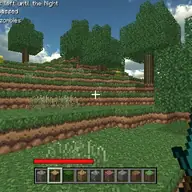
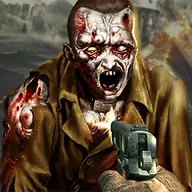
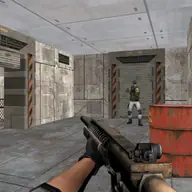
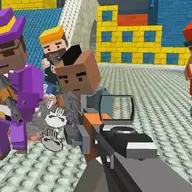
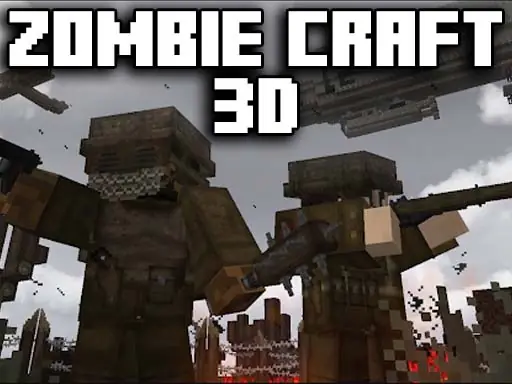
Zombie Craft 3D puts you in a block-inspired 3D action battle against waves of zombies. Your task is to destroy the advancing undead and remain alive for as long as you can while the encounter continues.
The combat loop is built around movement, shooting, and survival. Progress brings access to more powerful weapons, but the zombies become stronger as well, keeping each wave focused on how effectively you move and fire rather than simply standing in one place.
How to Play ZOMBIE CRAFT 3D
Use WASD to walk through the 3D battlefield and position yourself against the zombies.
Press the Space key to jump when you need vertical movement during combat.
Aim with the mouse and use the left mouse button to fire your weapon.
Clear the incoming zombies and endure each wave for as long as possible.
As you progress, use the stronger weapons available to handle the tougher undead.
Tips & Tricks
- 1Keep moving while dealing with zombies so you are not an easy target in the open battlefield.
- 2Save your firing focus for the zombies closest to your position when a wave becomes crowded.
- 3When the undead grow stronger, make the improved weapon power count by aiming carefully instead of wasting shots.
Game Info
- #3D
- #3D Games
- #Action
- #Blood
- #Boy
- #Boys
- #Game
- #Games
- #Mine
- #Minecraft
- #Shoot
- #Shooter
- #Shooting
- #Unity3D
- #weapons
- #WebGL
- #Zombie
Something wrong with this game or its description?