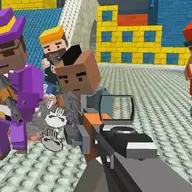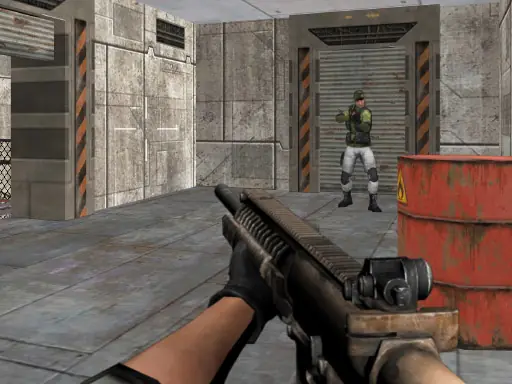
About Assault Zone
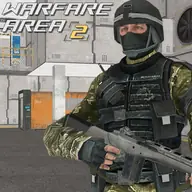
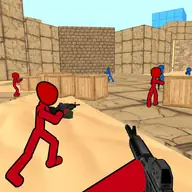
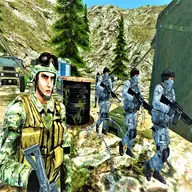
Assault Zone puts you in a 3D first-person battle where your task is to enter territory held by the opposing force and eliminate its guards. The focus stays on aiming, movement, and making each shot count while the enemy responds to your presence.
Its appeal comes from the direct combat loop: move through the area, find hostile soldiers, and deal with them before they can return fire. The game supports both computer and mobile play, so you can use keyboard and mouse controls or a touch interface depending on your device.
How to Play Assault Zone
On desktop, use W, A, S, and D or the arrow keys to move around.
Move the mouse to turn your view, line up targets, and fire.
On mobile, steer with the on-screen joystick and press the shooting control when you want to attack.
To adjust your view on a phone or tablet, swipe and move your finger along the right side of the screen.
Advance through the enemy-held area and shoot the guards before their response puts you in danger.
Tips & Tricks
- 1Keep your movement and aiming coordinated so you can face a guard quickly when one appears.
- 2Use short adjustments with the mouse or right-side touch movement to place your aim accurately.
- 3Do not linger in an exposed position after firing, since the guards can shoot back.
Game Info
- #3D Games
- #Army
- #Gun
- #HTML5
- #Killing
- #Mobile
- #Shoot
- #Shooter
- #Shooting
- #War
- #weapons
Something wrong with this game or its description?