About Horse Jumping Show 3D
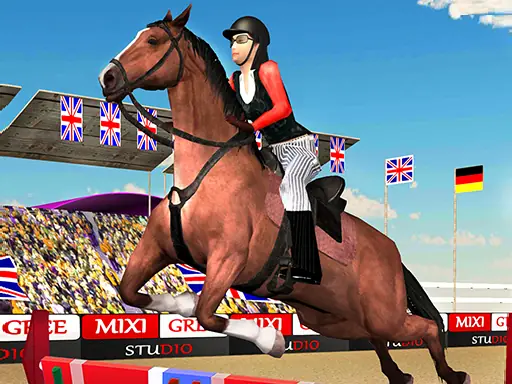
Horse Jumping Show 3D places you on a horse and sends you along a given track filled with obstacles. The central task is to control the horse and clear each barrier with a well-timed jump. Its 3D riding presentation focuses on the feel of guiding a horse through a course rather than on ordinary vehicle racing.
Movement, jumping, speed changes, and saddling are all handled through separate keyboard commands. That gives the ride more than one kind of control: you can steer the horse, decide when to leap, adjust its speed, and saddle up when needed. The result is a focused horse simulator built around crossing the track without letting obstacles stop the ride.
How to Play Horse Jumping Show 3D
Use WASD to control the horse on the track.
Press Space to jump over obstacles.
Press 1, 2, or 3 to change the horse's speed.
Press F to saddle a horse when that action is needed.
Tips & Tricks
- 1Approach each obstacle with the horse lined up for a clean jump.
- 2Use the speed keys to choose a pace that leaves enough control before a barrier.
- 3Remember the saddle command when starting or continuing a riding section that requires it.
Game Info
- #3D
- #Girls
- #Horse
- #HTML5
- #Simulator
- #WebGL
Something wrong with this game or its description?