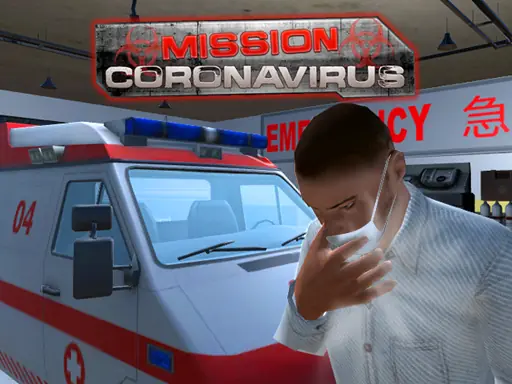
About Mission Coronavirus
Mission Coronavirus puts you behind the wheel of an ambulance in a busy city. Your job is to locate patients and get them to the hospital in time, while the virus threatens their health and traffic makes the drive demanding.
The game combines emergency driving with a rescue objective. You are not simply racing through streets: each trip involves finding the person who needs help, navigating around city traffic, and delivering that patient safely. Camera control and ambulance lights add extra driving choices during the missions.
How to Play Mission Coronavirus
Steer the ambulance by choosing either the arrow-key layout or the W, A, S, and D keys.
Use C to switch between the available camera angles while driving through the city.
Press L when you want to turn the ambulance lights on or off.
Search for the patient, collect them, and bring them to the hospital before the situation becomes fatal.
Handle traffic carefully so the route remains open while you are carrying out the rescue.
Tips & Tricks
- 1Keep the hospital destination in mind after finding a patient, because delivery is the essential part of each assignment.
- 2Change the camera with C when your current view makes city driving or traffic harder to judge.
- 3Use the lights deliberately during emergency travel, and avoid letting surrounding vehicles interfere with the ambulance's path.
Game Info
- #1 Player
- #3D
- #Action
- #Best
- #bus
- #Car
- #city
- #Driving
- #Fun
- #Game
- #HTML5
- #Race
- #Racing
- #Road
- #Simulation
- #Simulator
- #Traffic
- #Unity3D
Something wrong with this game or its description?