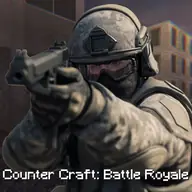
About Commando FPS
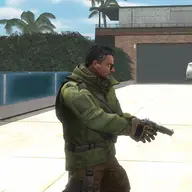
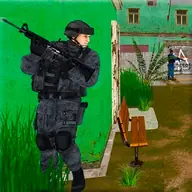
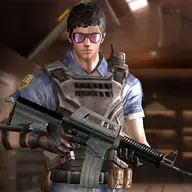
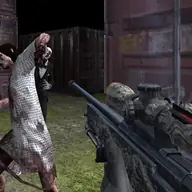
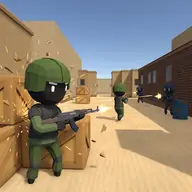
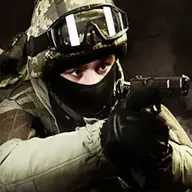
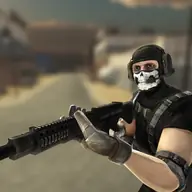
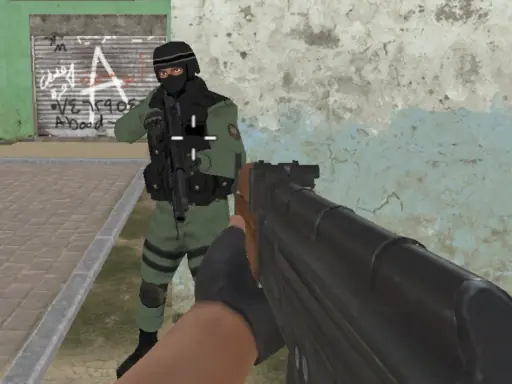
Commando FPS is a mission-based shooter in which you move through assignments and fight hostile terrorists. Success depends on following the objective described for the current mission while keeping your commando alive.
The controls support several viewpoints and movement styles, including crouching, running, jumping, and switching between first-person and third-person views. Aiming and firing are separate actions, giving you more control during an encounter.
How to Play Commando FPS
Move with WASD or the arrow keys, and use the left mouse button for your weapon.
Hold the right mouse button to aim, then use movement keys to position yourself.
Jump with Space, crouch with Ctrl, and run with Left Shift.
Press C to change between first-person and third-person perspectives.
Use Tab to pause and read the mission description before working toward its objective.
Tips & Tricks
- 1Check the assignment details first so your movement and combat serve the required mission goal.
- 2Aim before taking a shot when precision matters, rather than relying only on movement.
- 3Switch viewpoints when your current perspective makes positioning or target tracking harder.
Game Info
- #Shooter
- #Unity3D
- #weapons
- #WebGL
Something wrong with this game or its description?