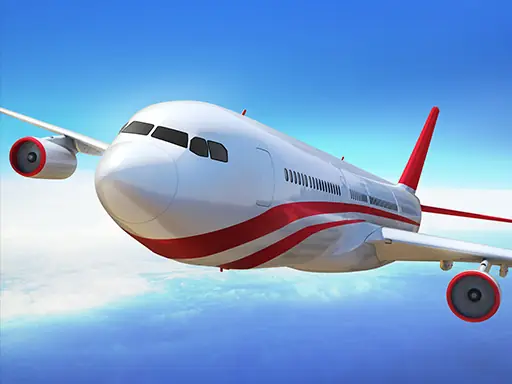

About Boeing Flight Simulator 3D
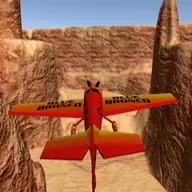
Boeing Flight Simulator 3D lets you take the pilot seat for a full aircraft journey, from leaving the ground to returning safely for a landing. Its realistic simulation focus makes the main challenge one of controlled flying rather than quick arcade movement.
The 3D view helps you follow the plane through the sky while you practice handling it with the keyboard. Additional functions are available through the mouse, including acceleration and releasing or closing the chassis, so the flight involves more than simply pointing the aircraft in a direction.
How to Play Boeing Flight Simulator 3D
Use the Arrow Keys to control the plane while it is flying.
Use the mouse to access the extra aircraft options.
Adjust acceleration when you need to influence the plane during the journey.
Manage the chassis by using the mouse to release or close it as part of the flight.
Tips & Tricks
- 1Use measured arrow-key inputs so the aircraft remains easier to control in the air.
- 2Consider the extra mouse options as part of the whole flight, not as separate actions to ignore.
- 3Practice coordinating the plane controls with chassis handling so the trip from ground to sky and back stays orderly.
Game Info
- #3D
- #Aircraft
- #fly
- #Plane
- #Simulation
- #Simulator
Something wrong with this game or its description?