About WorldCraft: 3D Build & Craft
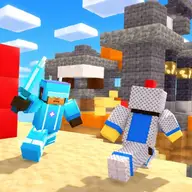
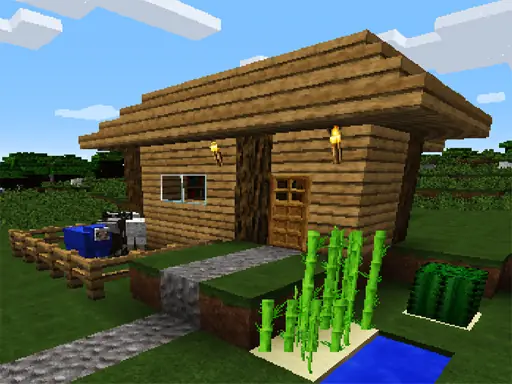
WorldCraft: 3D Build & Craft puts you in a winter exploration setting built from craftable cubes. You can shape the surroundings, create structures, and turn an open area into a personal building project.
The creative appeal comes from choosing what to destroy and what to add. Build a house, plan a garden, or work toward a larger city while exploring new worlds and sharing adventures with friends.
How to Play WorldCraft: 3D Build & Craft
Use W, A, S, and D to move around the 3D world.
Aim with the cursor and press the left mouse button to remove a cube.
Press the right mouse button to place a cube where you want to build.
Use Escape when you need to leave the game.
Tips & Tricks
- 1Clear only the cubes that interfere with the structure you want to make.
- 2Place blocks carefully around a house or garden so the design stays easy to shape.
- 3Explore the available worlds before deciding where your next building project belongs.
Game Info
- #.io
- #.io Games
- #3D Games
- #Craft
- #Crafting
- #Minecraft
- #Pixel
- #Unity3D
Something wrong with this game or its description?