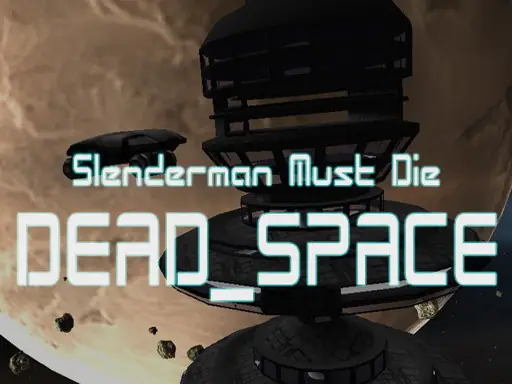
About Slenderman Must Die: Dead Space
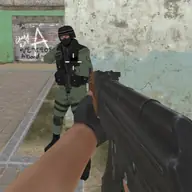
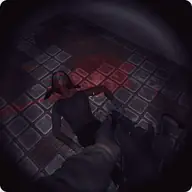
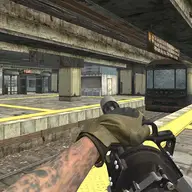
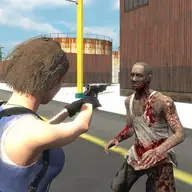
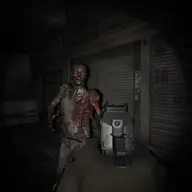
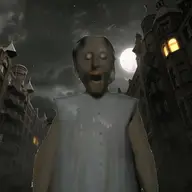
An abandoned space station becomes the hunting ground in this science-themed shooting game, where Slenderman is both the threat and the target. Your task is to search the station for scattered energy cells while deciding whether to confront the creature or find a way to escape.
The setting combines ghostly horror with armed exploration. Weapons found around the station give you a chance to fight back, but Slenderman can appear while you are focused on collecting what you need to survive. Moving through the station, checking your surroundings, and choosing when to aim or fire create the central tension.
How to Play Slenderman Must Die: Dead Space
Use W, A, S, and D to move through the station, then move the mouse to inspect your surroundings.
Find the energy cells placed around the abandoned station as part of your attempt to survive and escape.
Press F when you need to pick up an item, and use the mouse wheel to switch between available weapons.
Hold the left mouse button to fire and the right mouse button to aim at Slenderman or another threat.
Use R to reload; Space jumps, while Left Shift, Left CTRL, and X provide running, crouching, and prone movement options.
Tips & Tricks
- 1Search carefully for energy cells, since collecting them is central to getting out of the station alive.
- 2Keep a weapon ready when exploring unfamiliar areas, because Slenderman may be nearby while you are gathering items.
- 3Change weapons when one option is not suitable, and reload before you are forced to pause during an encounter.
Game Info
- #Ghost
- #Science
- #Shooter
- #weapons
- #WebGL
Something wrong with this game or its description?