
About Wendigo: The Evil That Devours
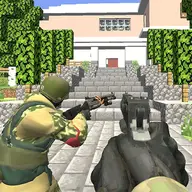
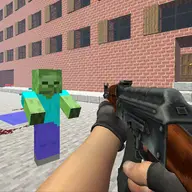
A first-person shooting adventure places you in an abandoned mining town where a supernatural Wendigo has turned a once-profitable settlement into a frightening place. The creature was once human, but now survives on human flesh and has kept very little of its former human appearance.
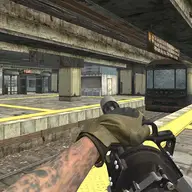
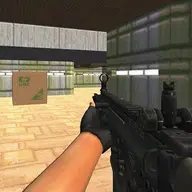
Your task is to confront this horror, uncover its secrets, and explore the ruined town while dealing with the danger it contains. The game combines a 3D setting with several distinct weapons, including close-range choices and firearms. A Christmas-themed level adds a seasonal setting to the dark investigation.
How to Play Wendigo: The Evil That Devours
Move through the town with the W, A, S, and D keys, then use the mouse to turn and examine your surroundings.
Press the left mouse button to shoot and the right button to aim when using a firearm.
Scroll the mouse wheel to select another weapon, and press R when your gun needs reloading.
Use G for grenades, F to collect nearby objects, Left Shift to move faster, and Left Control to crouch.
The torch, brass knuckles, pistol, shotgun, and RPK provide different ways to face the threat.
Tips & Tricks
- 1Keep the torch available when exploring the abandoned town, especially when you need to examine your surroundings before choosing a weapon.
- 2Aim before firing when distance matters, and reload with R rather than waiting until a weapon is empty during danger.
- 3Use crouching and faster movement deliberately: one helps you stay controlled, while the other helps you cover ground when the Wendigo is close.
Game Info
- #3D Games
- #Action
- #Escape
- #Shooter
- #Unity3D
- #weapons
- #WebGL
Something wrong with this game or its description?