About Grimace Bullet Blender
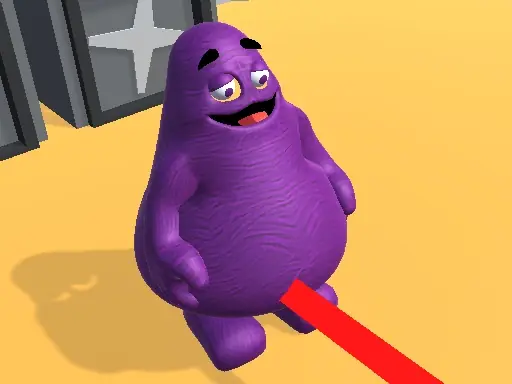
Grimace Bullet Blender is a top-down shooting puzzle where every click helps shape the path of a bullet. The map contains a police officer and other objects that can guide your attempt toward Grimace.
The main challenge is not simply firing, but arranging the shot so the bullet lines up with Grimace. When the alignment is correct, the SHOOT button becomes available, turning careful positioning into the key moment of each attempt.
How to Play Grimace Bullet Blender
Use a mouse click or tap on the police officer or another object shown on the map.
Watch how your chosen point directs the bullet toward Grimace.
Adjust your selection when the bullet is not lined up with the character.
Press the SHOOT button after the bullet reaches the correct alignment.
Tips & Tricks
- 1Study the relationship between Grimace and the objects before committing to a direction.
- 2Choose map objects based on the bullet path they create, rather than clicking at random.
- 3Wait for the alignment signal and fire only after the SHOOT button appears.
Game Info
- #Android
- #Grimace
- #Grimace Shake
- #Mentolatux
- #Mobile
- #Shoot
- #Shooting
- #Top Down
- #Unity3D
- #WebGL
Something wrong with this game or its description?