About PaintWars Shoot
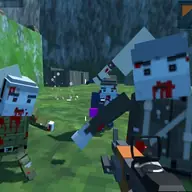
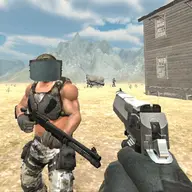
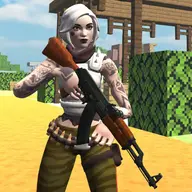
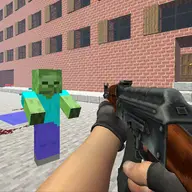
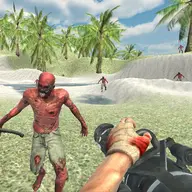
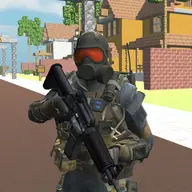
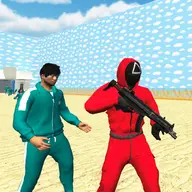
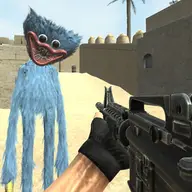
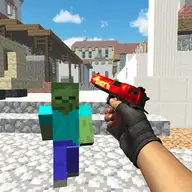
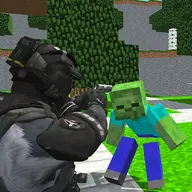
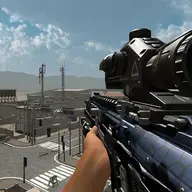
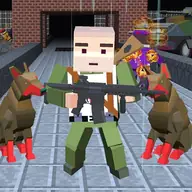
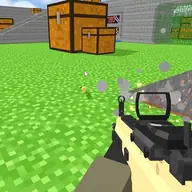
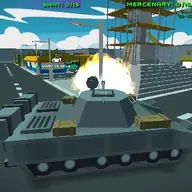
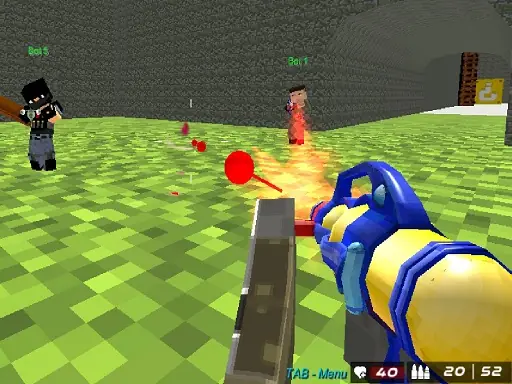
PaintWars Shoot is a first-person shooting game where you fight real players or enemy bots. It supports multiplayer and single-player play, so the same paint-filled combat idea can be approached against human opponents or computer-controlled enemies. The emphasis is on movement, aiming, shooting, and changing weapons during a fast battle.
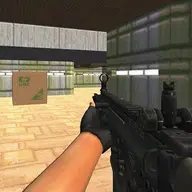
The WebGL and Unity3D presentation puts you directly into the action from a first-person view. Looking around with the mouse while moving with WASD gives you control over both positioning and aim. The game also includes a menu opened with Tab, making that key useful when you need to manage the match interface without leaving the battlefield.
How to Play PaintWars Shoot
Move with W, A, S, and D, then use the mouse to look around and aim.
Use the mouse controls to shoot at opposing players or enemy bots.
Change your gun during combat with the assigned mouse control.
Press Tab to open the menu when you need the game interface.
Tips & Tricks
- 1Keep moving with WASD while aiming so opponents have a harder time lining up their shots.
- 2Sweep the mouse deliberately when checking your surroundings, then return your aim to the fight.
- 3Choose single-player against bots when you want practice with movement, aiming, and gun changes before multiplayer.
Game Info
- #Multiplayer
- #Shoot
- #Shoot 'Em Up
- #Shooter
- #Shooting
- #Unity3D
- #WebGL
Something wrong with this game or its description?