About Battle Simulator
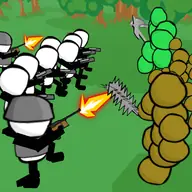
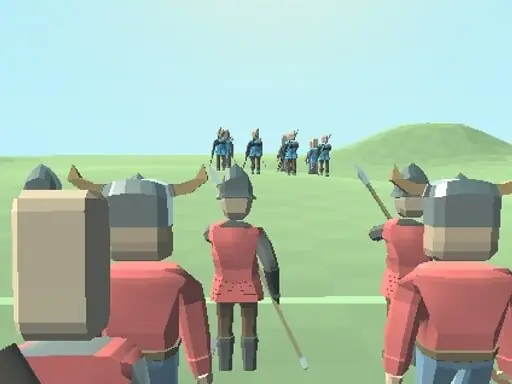
Battle Simulator asks you to prepare an army before enemy troops arrive. You can select among three soldier types and place them on the map, making positioning the central part of the battle plan. Victory depends on arranging your force with care before the confrontation unfolds.
The 3D battlefield can be inspected from several angles, which helps you examine the deployment area. Camera movement is controlled separately from the army setup, allowing you to view the map, rotate around it, and zoom closer or farther while planning your formation.
How to Play Battle Simulator
Choose from the three available soldier types for your army.
Place your selected troops strategically on the map before the battle.
Use WASD or the arrow keys to move the camera around the battlefield.
Hold the right mouse button and move the mouse to rotate the view.
Scroll the mouse wheel to zoom in or out while checking your setup.
Tips & Tricks
- 1Consider where each soldier type stands instead of placing every unit in one area.
- 2Rotate the camera to inspect the formation from more than one direction.
- 3Zoom out for a broad deployment view, then zoom in when checking a specific placement.
Game Info
- #Battle
- #Simulation
- #Simulator
- #Unity3D
- #War
- #WebGL
Something wrong with this game or its description?