About Virtual Piano
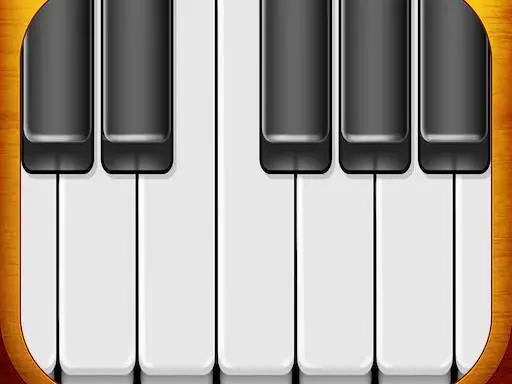
Virtual Piano turns a screen into a simple musical keyboard for practicing piano playing. Its clean design makes it easy to open and start making sounds, whether you are exploring notes or working on a favorite song.
The instrument also lets you shift octaves and choose between piano types with different sound effects. These options give practice sessions some variety while keeping the central activity focused on playing the keyboard.
How to Play Virtual Piano
Tap or use the on-screen keyboard to play musical notes.
Change the octave before playing when a different range suits your song.
Select another piano type to hear a different sound effect.
Practice parts of a favorite song on the virtual instrument.
Tips & Tricks
- 1Choose the octave first so the keyboard matches the range you want to practice.
- 2Try the available piano sounds when a passage feels easier to hear with another tone.
- 3Use short practice attempts to become familiar with the on-screen keyboard layout.
Game Info
Also in
- #1 Player
- #HTML5
- #Mobile
- #Music
Something wrong with this game or its description?