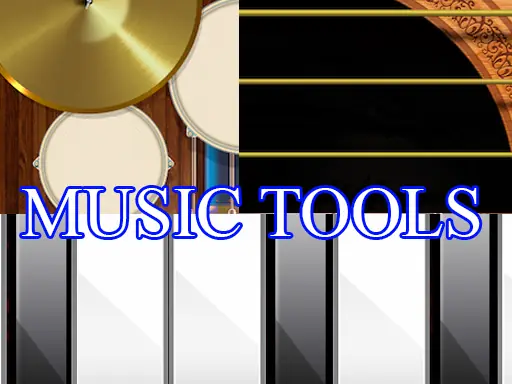
About Music Tools
Music Tools lets you explore three different instruments in one playful music activity: piano, drums, and guitar. Rather than staying with a single sound, you can move between the instruments and learn how each one responds as you play.
The game is designed as an accessible musical experience for children and families, with simple interaction at its center. Try notes on the piano, tap out drum sounds, or experiment with the guitar. Switching instruments makes the session feel like a small online practice space where curiosity guides what you play.
How to Play Music Tools
Use the mouse or touch input to activate the available instrument controls.
Choose the piano, drums, or guitar and interact with its playable parts.
Experiment with each instrument instead of limiting yourself to one sound.
Return to another instrument whenever you want to compare how it responds.
Tips & Tricks
- 1Begin with the instrument that interests you most, then sample the other two to broaden your musical practice.
- 2Use repeated taps or clicks to explore the difference between individual sounds and short patterns.
- 3Let the three instruments guide your session: piano for notes, drums for rhythm, and guitar for a different musical texture.
Game Info
- #Boys
- #Educational
- #Family
- #Girls
- #HTML
- #HTML5
- #Kids
- #Music
Something wrong with this game or its description?