About Kids Games Collection
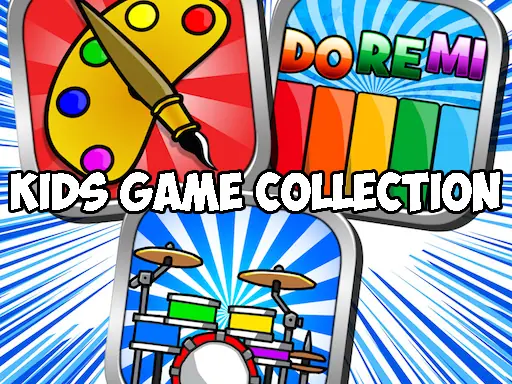
Kids Games Collection brings several simple activities together in one playful package. The selection includes piano, drawing, coloring, and drums, so the experience can shift between making pictures and creating sounds. Rather than following one single game loop, you choose the activity that matches what you want to do next.
The collection works as a hands-on space for experimenting with colors, marks, and musical input. Its family and educational tags reflect the straightforward design: select a game, interact with its elements, and move to another activity when you want a different kind of play. Mouse and touch support make the collection easy to operate on different screens.
How to Play Kids Games Collection
Use the mouse or touch the screen to interact with the collection.
Choose the piano activity to play its available keys.
Open drawing or coloring when you want to make marks or fill images.
Select the drums for a rhythm-focused activity, then switch to another game when desired.
Tips & Tricks
- 1Try each activity because the collection offers different ways to interact rather than one repeated challenge.
- 2Use touch for direct interaction on a mobile screen, or use the mouse for precise desktop input.
- 3In coloring and drawing, experiment with separate marks and colors to make your picture your own.
Game Info
- #Draw
- #Drawing
- #Educational
- #Family
- #Kid
- #Kids
- #Music
Something wrong with this game or its description?