About Supra Drift 3D
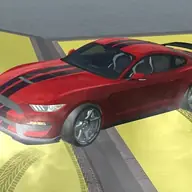
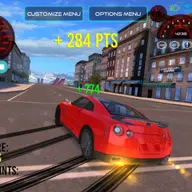
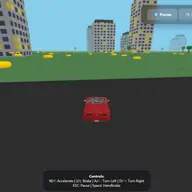
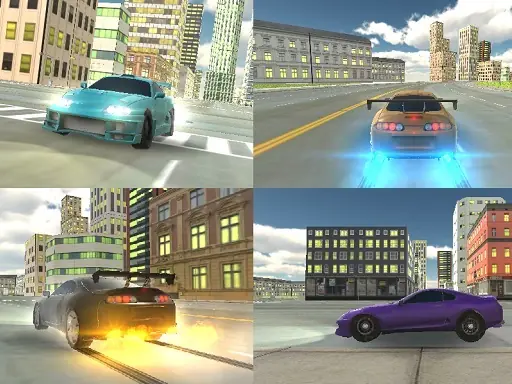
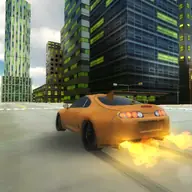
Supra Drift 3D puts you behind the wheel of a Toyota Supra in a realistic city environment. The game focuses on free driving, racing, drifting, and stunt-style control without consequences or fuel concerns getting in the way.
You can personalize the car with a color, body-kit, and wheels, while additional tuning options are available through the Gear icon. Driving tools include a handbrake, slow-motion toggle, lights, indicators, and gameplay recording with playback.
How to Play Supra Drift 3D
Drive with the Arrow Keys or WASD and use Spacebar for the handbrake.
Press G to toggle slow-motion, L to switch the lights, and Q, E, or Z to use indicators.
Use R to record gameplay and P to play the recorded sequence.
Visit the Gear icon for tuning options, or select a color, body-kit, and wheels for the Supra.
Tips & Tricks
- 1Use the handbrake when you want to shape a drift instead of relying only on steering.
- 2Turn on slow-motion when a driving moment needs more controlled input.
- 3Try recording a run with R, then use P to review how your driving looked.
Game Info
- #3D
- #drift
- #Driving
- #Simulator
- #Stunts
Something wrong with this game or its description?