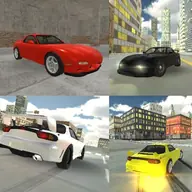
About RX7 Drift 3D
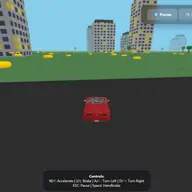
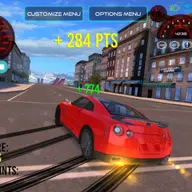
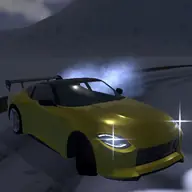
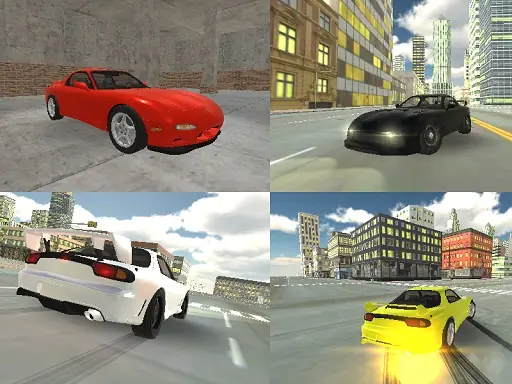
RX7 Drift 3D puts you behind the wheel of a rotary-powered RX-7, a car associated with both racing and drifting. The game focuses on open driving freedom, letting you enjoy the vehicle without consequences while practicing its road behavior.
Driving uses either the arrow keys or WASD, with extra controls for the handbrake, lighting, indicators, slow motion, and recorded gameplay. These options make the experience more than simple steering: you can work on drifting, change the driving presentation, and review a recorded run.
How to Play RX7 Drift 3D
Drive the RX-7 with the arrow keys or with WASD.
Press Spacebar for the handbrake when you want to set up a drift.
Use G for slow motion and L to switch the lights on.
Press Q, E, and Z to operate the indicators.
Use R to record gameplay and P to play the recorded gameplay.
Tips & Tricks
- 1Try the handbrake while steering to explore the car's drifting focus.
- 2Use slow motion when you want a closer view of a driving moment.
- 3Turn on lights or indicators when you want to practice the extra vehicle controls.
- 4Record a run, then use the playback command to review that driving session.
Game Info
- #3D
- #Car
- #drift
- #Driving
- #Simulator
Something wrong with this game or its description?