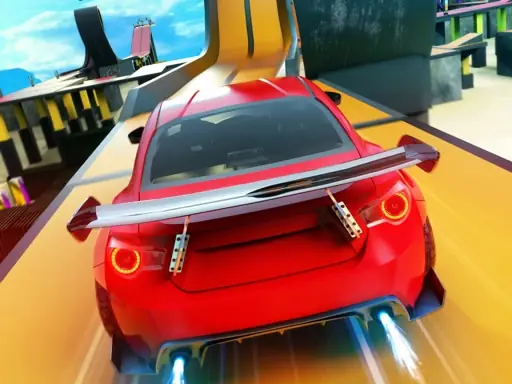
About Rocket Stunt Cars
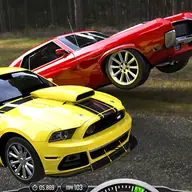
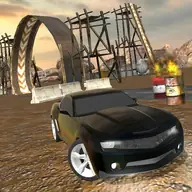
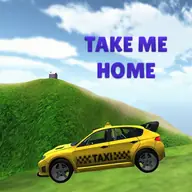
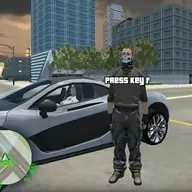
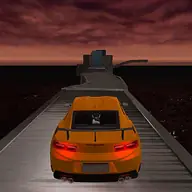
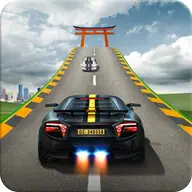
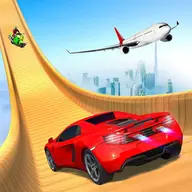
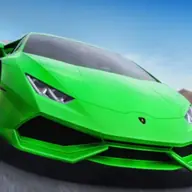
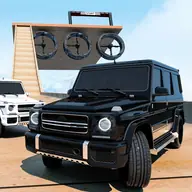
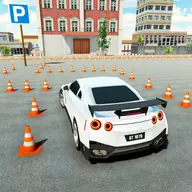
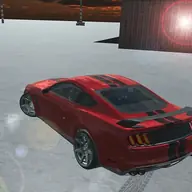
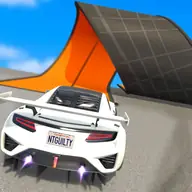
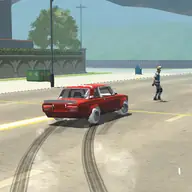
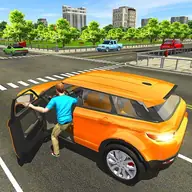
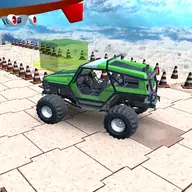
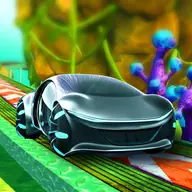
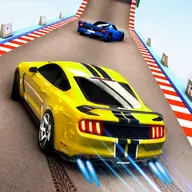
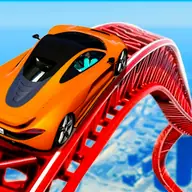
Rocket Stunt Cars offers a broad 3D driving adventure across a huge desert map. You can take a car onto a stunt area, drive through city traffic, or choose a highway traffic setting, giving the game several ways to enjoy its driving and drifting focus.
Select the place where you want to drive and switch between cockpit and third-person camera views while moving around. W, A, S, and D or the arrow keys handle driving, with separate controls for NOS, braking, and changing the camera.
How to Play Rocket Stunt Cars
Use W, A, S, and D or the arrow keys to drive the car.
Press F to use NOS and Space to brake.
Press C to switch between cockpit and third-person camera views.
Choose the desert stunt map, city traffic, or highway traffic before driving.
Explore the selected setting and use drifting and driving control to move through it.
Tips & Tricks
- 1Use the third-person view when you need a wider look around the car during stunts or traffic.
- 2Save NOS for a moment when extra speed helps your chosen route rather than activating it without a purpose.
- 3Brake before entering crowded traffic or lining up a stunt so the car remains easier to control.
Game Info
- #1 Player
- #3D
- #3D Games
- #Boys
- #Car
- #city
- #drift
- #drifting
- #Driving
- #Game
- #HTML5
- #Race
- #Racing
- #Road
- #Rocket
- #Simulation
- #Simulator
- #Sport
- #Stunts
- #Supercars
- #Unity3D
- #WebGL
Something wrong with this game or its description?