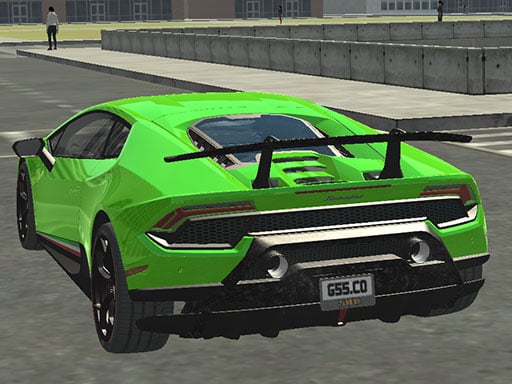
About Real City Driving 2
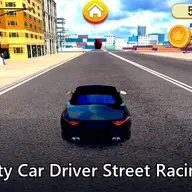
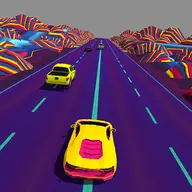
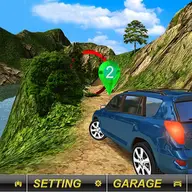
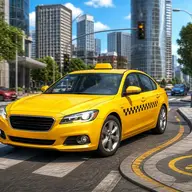
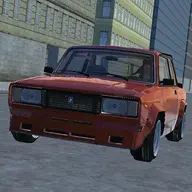
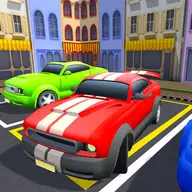
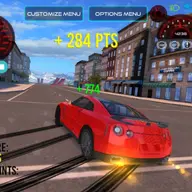
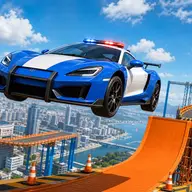
Real City Driving 2 puts you behind the wheel of a selection of supercars in a 3D city setting. The main appeal is choosing a car and taking it across urban roads at high speed, with the city providing the space for free driving and racing-style movement. Its simulation focus makes steering and braking important, while the variety of cars gives you a reason to try different rides.
Rather than following a complicated objective, the game centers on controlling your chosen vehicle and enjoying fast city driving. You can treat the streets as a place to practice handling, build speed, or simply explore how each supercar feels under your control. The first-person player format keeps attention on the road and your driving decisions.
How to Play Real City Driving 2
Use W to move forward and S to slow or move backward, while A and D steer the car through the city.
Press Space when you need to brake, especially before turning or when reducing speed from a fast run.
Use C to switch between the available camera perspectives and choose the view that makes driving easier.
Select a supercar, then drive across the city while balancing speed, steering, and braking.
Tips & Tricks
- 1Try each available car so you can compare how its handling feels before committing to a favorite.
- 2Brake before a turn rather than waiting until the car is already pointed toward the corner.
- 3Change the camera perspective with C if the current view makes steering or judging the road difficult.
Game Info
- Category
- Racing
- Platform
- Web browser
- Price
- Free
- Added
- Oct 24, 2026
- #1 Player
- #3D
- #3D Games
- #Car
- #Cars
- #Driving
- #Race
- #Racing
- #Simulation
- #Simulator
- #Supercars
- #Unity3D
- #WebGL
Something wrong with this game or its description?