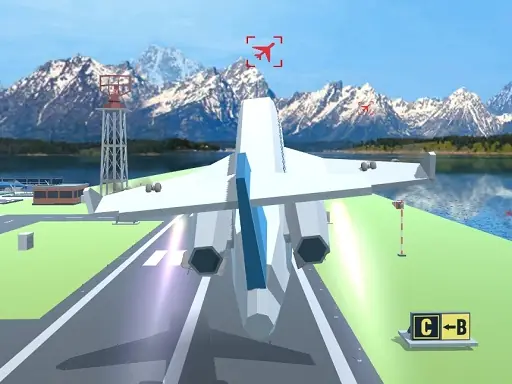

About Polygon Flight Simulator
Polygon Flight Simulator lets you pilot an aircraft between airports while passing through airborne checkpoints. The game focuses on straightforward flight control, with mouse movement helping the plane rise, descend, or turn as you travel toward the next destination.
Its polygon-style simulator combines keyboard steering with a draggable mouse interface. Guiding the aircraft through checkpoints gives the journey a clear purpose, and the menu remains available through the Tab key while you manage the plane in the virtual sky.
How to Play Polygon Flight Simulator
Use WASD to move the plane during the flight.
Drag the mouse to make the aircraft go up, move the mouse forward to descend, and move it left or right to steer.
Pass through the airborne checkpoints on the route, and press Tab to open the menu.
Tips & Tricks
- 1Use small mouse movements when adjusting altitude so the aircraft does not rise or descend more than intended.
- 2Check the plane direction before turning toward the next airborne checkpoint.
- 3Keep the WASD controls in mind for movement, while using the mouse for the finer flight adjustments.
Game Info
- #Aircraft
- #airplane
- #Driving
- #fly
- #Mentolatux
- #Unity3D
- #vehicle
- #WebGL
Something wrong with this game or its description?