About Low poly car racing
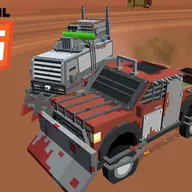
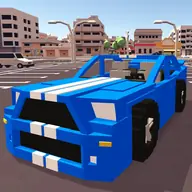
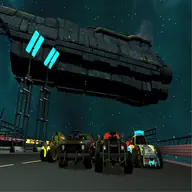
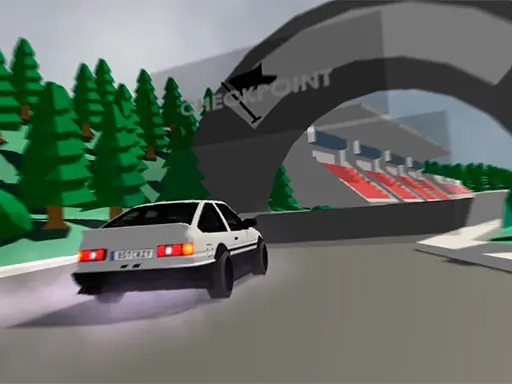
Low Poly Car Racing puts blocky 3D driving on a shared computer, with room for either a solo race or a split-screen contest against a friend. Its simple pixel-inspired style keeps attention on steering, choosing a car color, and finding a good way around the track.
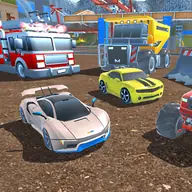
Before driving, you can select from three game modes and customize the car color. The game also lets you build a track, save your creations in three available slots, and return to them for another race. Points earned while playing can be used to buy another car, giving strong racers something to work toward while they test each course.
How to Play Low poly car racing
For a one-player race, use W, A, S, and D to control the first car. Two players can share the same screen, with the second driver using the arrow keys.
Choose one of the three game modes, set a car color, and select whether to race alone or with the other driver.
Create a track when you want a personal course, save it in one of the three slots, then load it for solo or shared play.
Race to earn points, then spend those points on a new car when you want a different vehicle.
Tips & Tricks
- 1When building a track, leave enough room for both cars to turn instead of filling every area with tight corners.
- 2If another driver is using the screen, agree on your controls before starting so each person can concentrate on their own car.
- 3Save a track after making a course you enjoy, since the three slots let you keep preferred designs available for later races.
Game Info
- #2 Player
- #2 Player Games
- #Block
- #Pixel
- #Racing
- #Unity3D
- #WebGL
Something wrong with this game or its description?