About Roadster Dash: Halloween Night
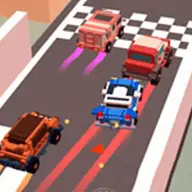
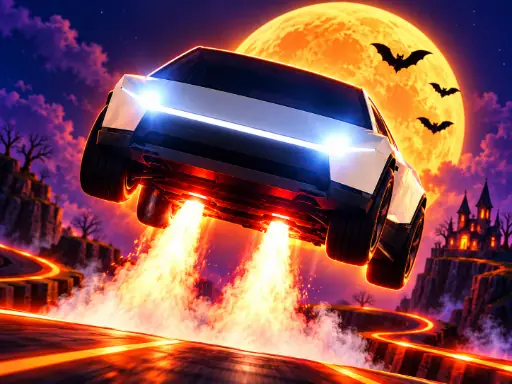
Race a flying car along a haunted highway beneath the full moon. This arcade driving game mixes road traffic with airborne jumps, flips, barrel rolls, glowing pumpkins, and useful power-ups. Four spooky zones add ghosts and bats to the scenery while you chase a high score or compete against another player.
Solo play focuses on your personal result, while split-screen competition uses the same road across a best-of-three contest. In two-player matches, spooky hexes can interfere with your rival through effects such as fog, blackout, or reversed controls, giving each round an extra tactical twist.
How to Play Roadster Dash: Halloween Night
Player 1 steers with A and D, jumps with W, slams with S, boosts with Left Shift, uses an item with Q, and casts a hex with E.
Player 2 uses the Arrow Keys to move, Right Shift for boost, Enter for items, and the indicated hex control during a two-player match.
On mobile, swipe to guide the car and use BOOST when you want extra speed.
Jump over traffic, remain airborne for stunts, and collect pumpkins or power-ups while progressing along the road.
Tips & Tricks
- 1Save your boost for a clear stretch or a jump where extra speed can help you carry a stunt.
- 2Watch traffic before committing to a flip or barrel roll, since a stylish move still needs a safe landing.
- 3In split-screen play, use a hex when your rival is handling a busy section of road rather than wasting it in open space.
Game Info
- Category
- Racing
- Platform
- Web browser
- Price
- Free
- Added
- Oct 27, 2026
- #2 Player
- #3D
- #Arcade
- #Car
- #Driving
- #endless
- #fly
- #Halloween
- #Racing
- #running
- #Stunts
Something wrong with this game or its description?