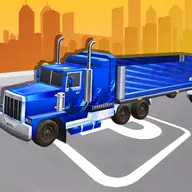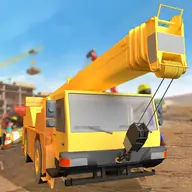
About Heavy Crane Simulator
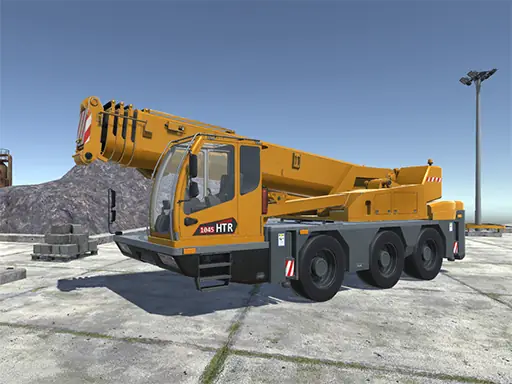
Heavy Crane Simulator combines crane operation with heavy-truck driving. You take on different crane jobs in different places, then work with the truck to transport containers, making the game a mix of vehicle handling and machine control.
The controls let you move around the work area, adjust the camera, select machinery, and operate the crane and hook. Switching between driving and crane tasks gives the simulation a practical sequence: position the equipment, handle the load, and use the truck where the job requires it.
How to Play Heavy Crane Simulator
Use WASD to drive, Space to accelerate, and the mouse to rotate the camera.
Scroll the mouse wheel to zoom and press Tab to open the machine selection menu.
Press Y to show instructions, G to activate the cursor, and I to toggle the crane.
Use K to connect the trailer, LMB to connect the hook, and A or D to rotate the crane.
Tips & Tricks
- 1Zoom out when you need a clearer view of the truck and crane together.
- 2Select the needed machine before attempting the next work task.
- 3Connect the hook and trailer carefully, then rotate the crane with controlled inputs.
Game Info
- #Driving
- #Simulation
- #Simulator
- #Truck
Something wrong with this game or its description?