About Geometry Dash Blackboard
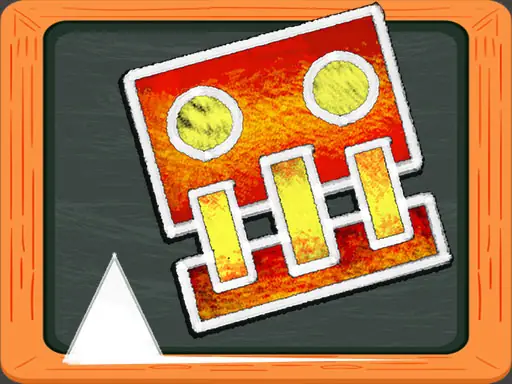
Geometry Dash Blackboard places a colorful square character in a hand-drawn world filled with objects and lines. Your task is to guide the square man to the exit gate while judging whether the next move should take it above or below the blocks.
The pace is partly yours to control, which gives the obstacle course a measured feel even when the route becomes demanding. A collision with a block causes failure, so successful runs depend on timing and careful movement through each section.
How to Play Geometry Dash Blackboard
Use the mouse and left click to control the square man.
Adjust the character's movement speed when the course gives you room to do so.
Guide the square toward the exit gate while choosing a path above or below each block.
Avoid touching the blocks, because a collision ends the attempt.
Tips & Tricks
- 1Change speed before a difficult block rather than waiting until the character is beside it.
- 2Study whether the open space is above or below an obstacle before committing to a move.
- 3Keep the square aligned with the clear route so a small correction does not turn into a collision.
Game Info
- #Cartoon
- #Funny
- #jump
Something wrong with this game or its description?