
About Minicraft: Steve And Wolf Adventure
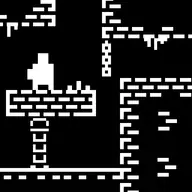
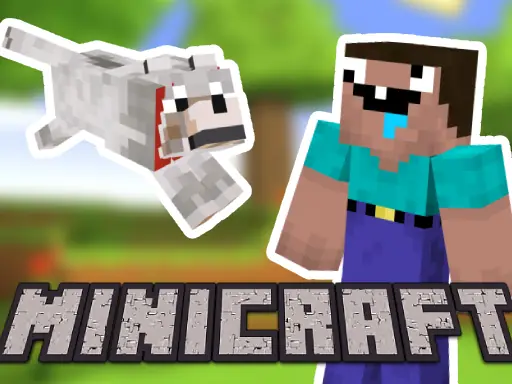
Minicraft: Steve And Wolf Adventure brings two players into a pixel-styled 2D platforming journey set in the Minecraft universe. One person guides Steve while the other controls the wolf, making movement and jumping a shared task rather than a solo run.
The adventure combines arcade action with a dungeon-like setting, so both players need to stay involved as they move through the same screen. Its simple two-player design makes the fun come from coordinating directions, keeping each character moving, and deciding when to shift the view.
How to Play Minicraft: Steve And Wolf Adventure
Player 1 uses W, A, S, and D to move Steve through the platforming area.
Player 2 uses the arrow keys to control the wolf and travel alongside Steve.
Use the on-screen camera button when you need to change which part of the action receives focus.
Work through the adventure together, using jumps and movement to keep both characters progressing.
Tips & Tricks
- 1Agree on who will lead movement before starting, since two characters share the adventure.
- 2Use the camera-focus button when one player needs a clearer view of the next part of the path.
- 3Keep Steve and the wolf close enough to coordinate jumps instead of sending them in opposite directions.
Game Info
- #2 Player
- #2 Player Games
- #2D
- #Adventure
- #Arcade
- #Dungeon
- #jump
- #Jumping
- #Minecraft
- #Mobile
- #Pixel
- #Wolf
Something wrong with this game or its description?