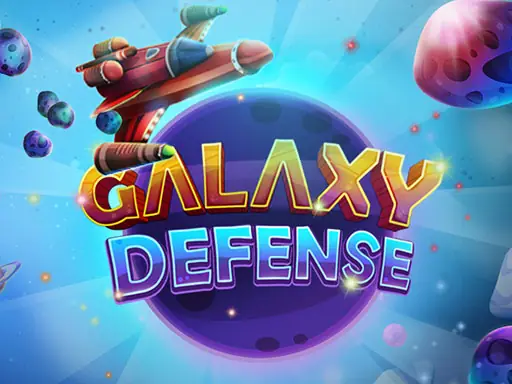
About Galaxy Defense
Galaxy Defense puts a rotating shield around a spaceship and asks you to stop incoming meteors. Touching the screen moves the main shield, while holding the touch can make it turn faster when a meteor approaches at high speed. The shield's direction changes with every touch, so each input needs purpose.
Extra shields can protect the spaceship during the game, but meteors wear them away when they collide. Passing a new level restores extra protection, giving you another chance to defend the ship. The central challenge is matching shield movement to the direction of each meteor.
How to Play Galaxy Defense
Use the left mouse button to control the shield.
Touch or click to move the main shield around the spaceship.
Hold the control to speed up the shield when a fast meteor is approaching.
Use the extra shields to absorb meteor impacts before the main shield is left exposed.
Continue defending the spaceship as meteors arrive and new levels provide extra shields.
Tips & Tricks
- 1Remember that every touch sends the shield in the opposite direction.
- 2Reserve a held input for meteors that are moving especially quickly.
- 3Watch the extra shields closely, since each meteor impact reduces your remaining protection.
Game Info
- #1 Player
- #Defense
- #Spaceship
Something wrong with this game or its description?