About Driver
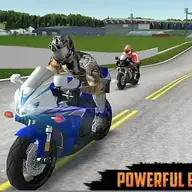
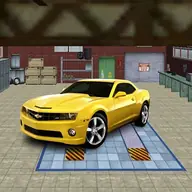
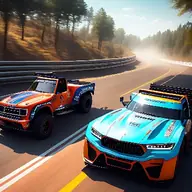
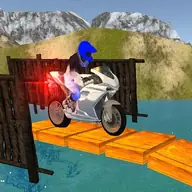
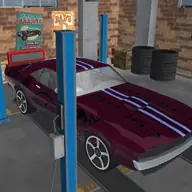
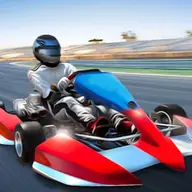
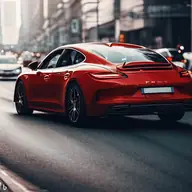
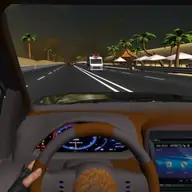
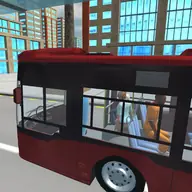
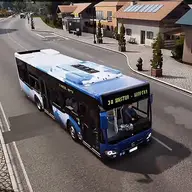
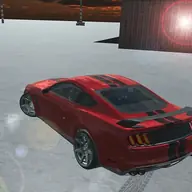
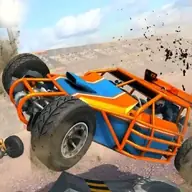
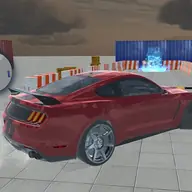
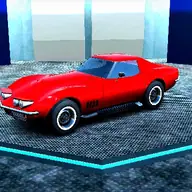
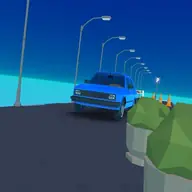
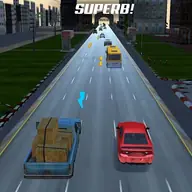
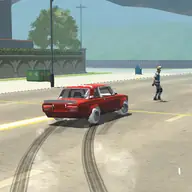
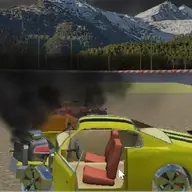
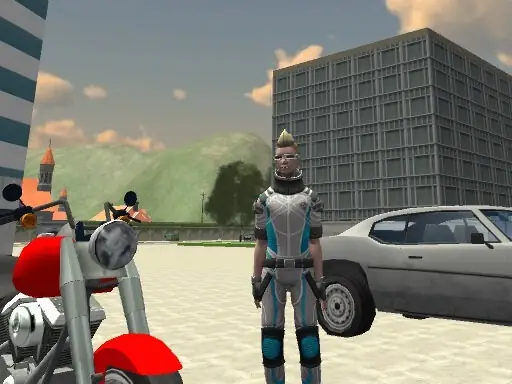
Driver is a 3D city driving game that lets you take control of cars and motorcycles. Its open driving setup gives you freedom to use vehicles around the city, including taking cars from other people. The game combines ordinary driving controls with options for changing the camera, using a boost, and leaving one vehicle for another.
You can approach driving in a direct way with keyboard steering, or use the broader vehicle controls to manage handbraking, gears, and the surrounding scene. Whether you are cruising in a car or switching to a motorcycle, the many commands make the city a space for experimenting with vehicle movement.
How to Play Driver
Drive with WASD or the arrow keys, and press Space for the handbrake.
Press C to change the camera view, Shift to boost, and R to reset the scene.
Use F to get on or off a vehicle, and Page Up or Page Down to change gears manually.
Press Tab to pause the game while driving or exploring the city.
Tips & Tricks
- 1Use the camera switch when the current view makes city driving or vehicle changes harder to judge.
- 2Remember F when you need to leave a vehicle or get into one.
- 3Use the handbrake for sharper stopping and save the boost for a useful burst of speed.
Game Info
- #3D Games
- #city
- #Driving
- #Unity3D
- #WebGL
Something wrong with this game or its description?