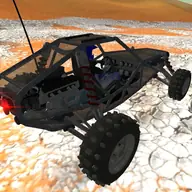
About Buggy Simulator
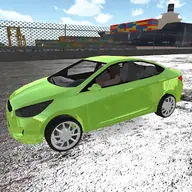
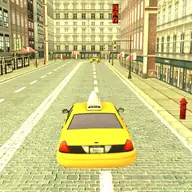
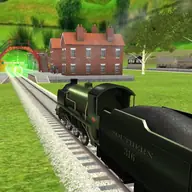
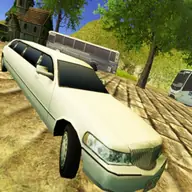
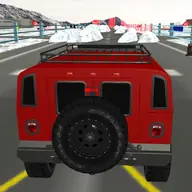
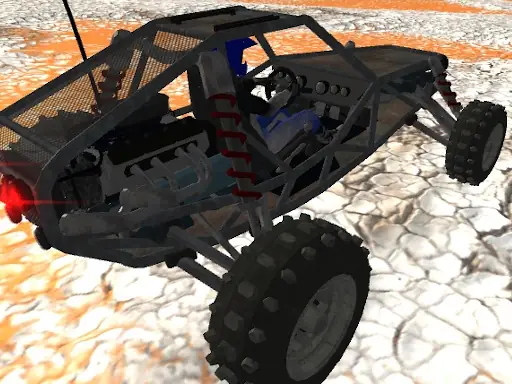
Buggy Simulator puts you behind the wheel of off-road vehicles in a 3D driving environment. Its four maps offer different surroundings to explore, so each ride can feel different even when you are simply roaming without a fixed objective.
The open setup gives you room to choose your own route and driving style. Cruise across the scenery, test the buggy on varied terrain, or use the boost to make your trip more energetic. Camera switching also lets you view the vehicle and surroundings from another angle.
How to Play Buggy Simulator
Use WASD or the arrow keys to steer and move the buggy around the selected map.
Press Left Shift when you want a burst of boost during your drive.
Tap C to change the camera view while exploring the environment.
Space activates the handbrake, while R resets the scene and G resets the car.
Tips & Tricks
- 1Try each of the four environments, since their surroundings can change how your free driving feels.
- 2Use the camera switch when judging your position or simply checking the buggy from a different view.
- 3If the vehicle or scene ends up in an awkward spot, use the separate reset controls to recover rather than forcing the drive.
Game Info
- #3D Games
- #Driving
- #Simulation
- #Simulator
- #WebGL
Something wrong with this game or its description?