About Bird Simulator
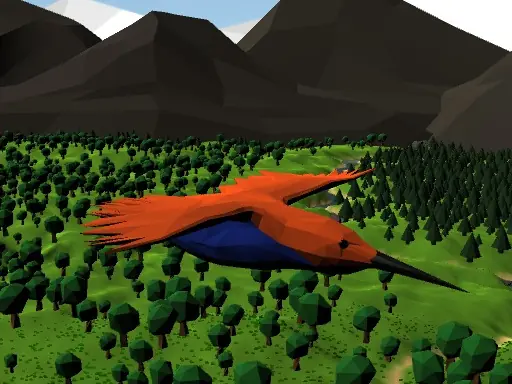
Bird Simulator uses physics-based control and cartoon art to place you in a bird simulation. You can pitch, yaw, flap, and rush through the air while bird sounds add atmosphere to the flight.
Taking off requires a specific action: hold Space and S together. Once airborne, the keyboard separates movement into pitching, turning, flapping, and rushing, making control the main focus of the experience.
How to Play Bird Simulator
Hold Space and S together to take off from the ground.
Use W and S for pitch, and A and D to control yaw.
Press the Space bar to flap, or Left Shift to rush down.
Press Tab or Escape to pause the simulation.
Tips & Tricks
- 1Keep Space and S held during takeoff so the bird can leave the ground properly.
- 2Use pitch adjustments with measured flaps instead of holding every movement key at once.
- 3Reserve the downward rush for moments when you specifically want to descend quickly.
Game Info
- #Bird
- #Simulation
- #Simulator
- #Unity3D
- #WebGL
Something wrong with this game or its description?