About Block Craft 2
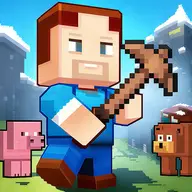
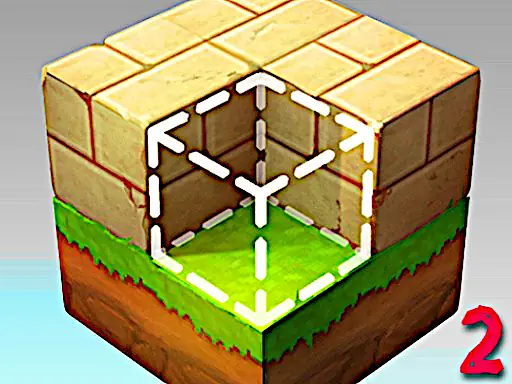
Block Craft 2 is a 3D building adventure where you shape a complete kingdom from blocks. You can explore the open expanses, alter the surroundings, and use tools and items to give your creation a personal style.
The sequel adds skins, inventories, and tools to the block-based creation process. Switching between building, movement, and flight options lets you approach the world as an explorer or a careful constructor.
How to Play Block Craft 2
Move with W, A, S, and D, while the Up and Down controls adjust vertical movement.
Select blocks with number keys 1 through 8, then use the mouse buttons to alter the world.
Press F for flight mode, B for build mode, C to crouch, and Left Shift to run.
Use R to rotate a block, and press P to view the pause and key information screen.
Tips & Tricks
- 1Choose a block from the numbered selection before starting a new part of your kingdom.
- 2Use flight mode when you need a different building position, then return to build mode for construction.
- 3Check the key information screen when you forget a tool action or movement command.
Game Info
- #3D
- #3D Games
- #Block
- #Creation
- #Fun
- #Funny
- #Mine
- #Minecraft
- #Miner
- #Pixel
Something wrong with this game or its description?