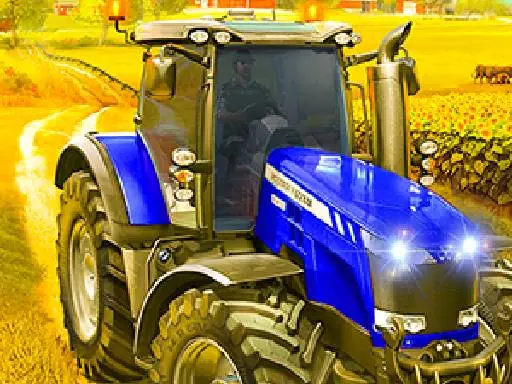
About Village Farming Tractor
Village Farming Tractor places you in control of a large farm tractor and its agricultural work. You begin by taking the tractor from the garage, connecting the plowshare, and driving toward the fields. Farm activities can include plowing, spraying pesticide, watering plants, and sowing crops such as wheat, cotton, and rice.
The driving side uses off-road tracks and farm areas, while the tasks can also involve harvesting crops and transporting them to markets. Different missions assign different farming jobs, giving the simulation a practical sequence of vehicle work and field care. The tractor is the central tool for moving between these activities.
How to Play Village Farming Tractor
Drive the tractor with WASD or the arrow keys.
Use the space bar to brake when you need to slow or stop.
Start from the garage and connect the plowshare as directed.
Follow the assigned farm work, which may include plowing, watering, spraying, sowing, harvesting, or market transport.
Tips & Tricks
- 1Brake before tight movements around farm equipment or when positioning the tractor for a task.
- 2Follow the current instructions because the required farming activity can change between missions.
- 3Keep the tractor aligned with the field work so plowing, spraying, watering, and sowing are performed in the intended area.
Game Info
- #Adventure
- #Driving
- #Farm
Something wrong with this game or its description?