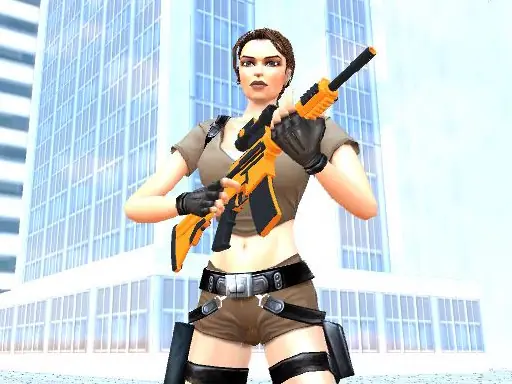

About Vegas Revenge
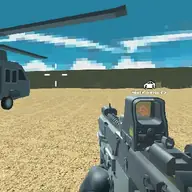
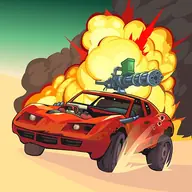
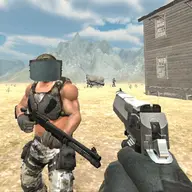
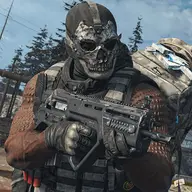
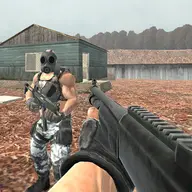
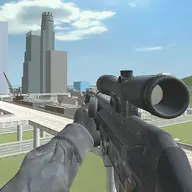
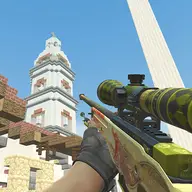
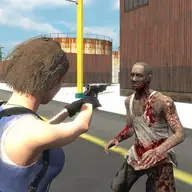
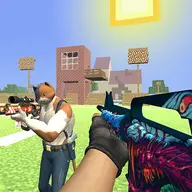
Vegas Revenge mixes driving with shooting across twenty missions. Each stage gives you a task to complete within a stated time limit, so movement and combat both matter. Finishing missions lets you advance and level up through the game.
The controls support several ways to handle danger on the road. Drive with the keyboard, jump over obstacles or threats, roll when needed, and switch weapons to suit the situation. Aiming separately from firing gives you control over where each shot goes, while the pause toggle lets you stop the action when necessary.
How to Play Vegas Revenge
Use W, A, S, and D to drive your vehicle or move through the mission.
Press Space to jump and Q to roll when the route or combat calls for a quick maneuver.
Change weapons with E or 1, aim with the right mouse button, and fire with the left mouse button.
Complete the mission objective before its time limit ends to move through the twenty-stage game.
Press Tab when you need to pause the action.
Tips & Tricks
- 1Read the mission goal first so your driving and shooting serve the same objective.
- 2Aim before firing when a target is difficult to hit, then switch weapons if your current choice is not suitable.
- 3Use a jump or roll deliberately rather than combining movement actions without a clear reason.
Game Info
- #3D
- #3D Games
- #Car
- #Cars
- #WebGL
Something wrong with this game or its description?