About Tuning Cars Stunts
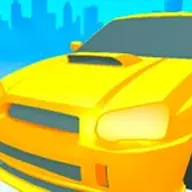
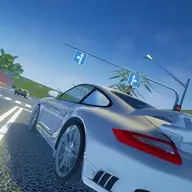
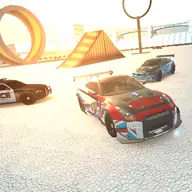
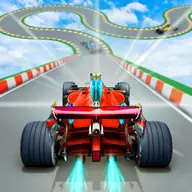
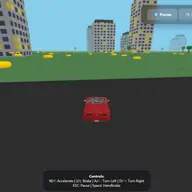
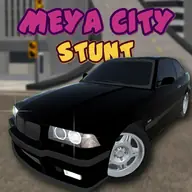
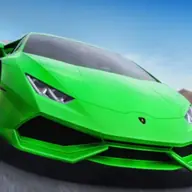
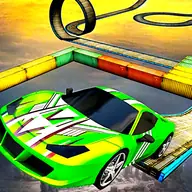
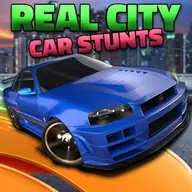
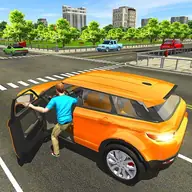
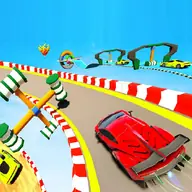
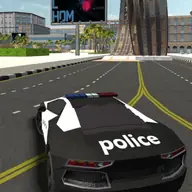
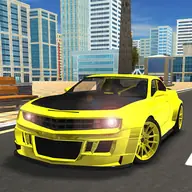
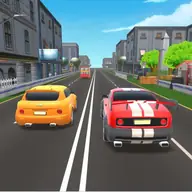
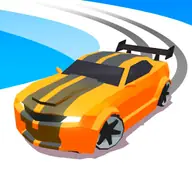
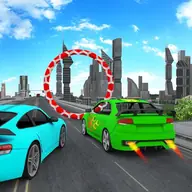
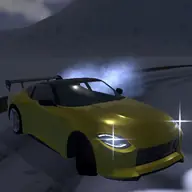
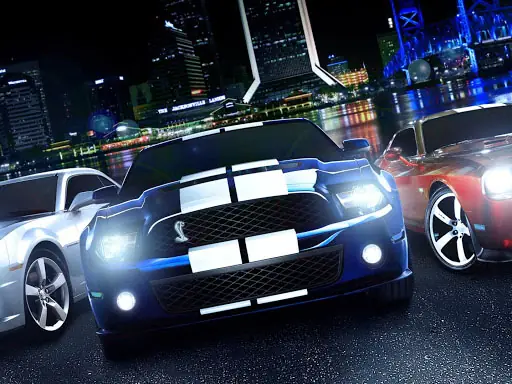
Tuning Cars Stunts combines car customization with 3D driving and stunt-focused action. Choose one of five cars, then adjust its bumpers, hood, pipes, rims, and spoiler to create a look that suits your run. Several visual options add more control over the presentation, including body, glass, smoke, and neon colors.
Performance also changes through a three-stage car upgrade, with acceleration tied to that progress. While driving, you can use drifting and nitro to make the car more entertaining to handle. Camera effects and overall graphics can be selected from several presets, so the scene can be viewed in a style that fits your preference.
How to Play Tuning Cars Stunts
Use WASD or the arrow keys to steer and drive the selected car.
Press T for slow time, F to activate nitro, and Enter to reset the car when needed.
Use the mouse wheel to adjust the distance camera, C to switch to the car camera, and R or Escape to restart the scene.
Press Tab to choose the next car, I to show the information panel, and Q to turn music on or off.
Tips & Tricks
- 1Try different car parts before settling on a design, since bumpers, pipes, rims, and spoilers each change the appearance.
- 2Improve the car through its three upgrade stages when stronger acceleration would help your driving.
- 3Use the distance camera for a broader view around stunts, then switch to the car camera when you want a closer perspective.
Game Info
- #1 Player
- #3D
- #3D Games
- #Car
- #Cars
- #drift
- #drifting
- #Driving
- #Fun
- #Funny
- #HTML5
- #Stunts
- #Unity3D
Something wrong with this game or its description?