About Tic Tac Toe Blackboard
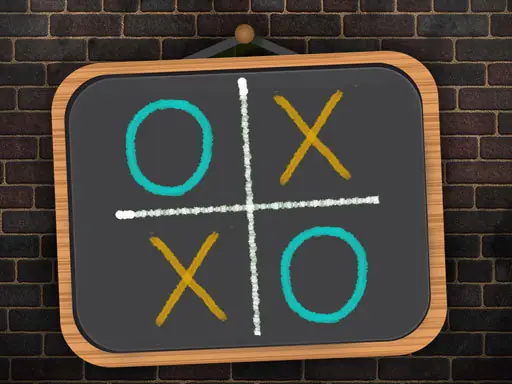
Tic Tac Toe Blackboard brings the familiar grid game to a simple blackboard-style setting. You can choose a solo match or invite another player to take turns on the same screen, making it suitable for a quick challenge between friends or a personal game against the computer.
Before beginning, select the player option that fits your session and choose from the available match choices of 3, 5, or 10. The goal is to place your marks carefully and create the winning arrangement before the other side does. Its uncluttered presentation keeps attention on each decision rather than on extra distractions.
How to Play Tic Tac Toe Blackboard
Click 1 PLAYER when you want to play alone, then choose 3, 5, or 10.
Select 2 PLAYERS for a shared match with another person.
Use the left mouse button to place your mark on an open space.
Take turns selecting spaces and work toward the winning line before your opponent.
Tips & Tricks
- 1Check the open spaces around your existing marks before placing the next one.
- 2In two-player games, watch for the other player’s possible winning line as well as your own.
- 3Choose the match option that suits the number of rounds you want to play.
Game Info
- #1 Player
- #2 Player
- #2 Player Games
- #2D
- #Game
- #Games
- #HTML5
- #Multiplayer
Something wrong with this game or its description?