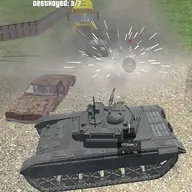
About Tank Shooting Simulator
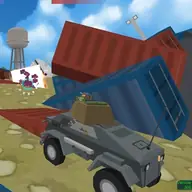
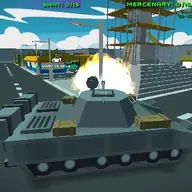
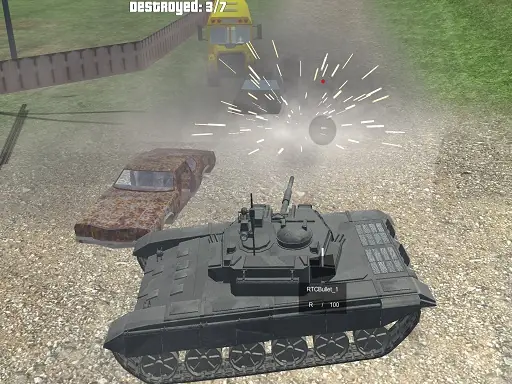
Tank Shooting Simulator places you in a 3D tank battle focused on driving, aiming, and destroying opposing tanks. Your mission is to take a military tank into combat, eliminate enemy vehicles, and clear enemy base camps while protecting your army base. The battlefield setting gives every movement and shot a practical purpose.
You can choose from the available tanks and fight from a view that suits the action. Driving uses either the arrow keys or WASD, while the mouse handles looking around and firing. The C key changes the camera, so you can adjust how you observe the tank as you move through the battle and attack enemy positions.
How to Play Tank Shooting Simulator
Drive with the arrow keys or WASD keys.
Move the mouse to look around the battlefield.
Press the left mouse button to fire the tank weapon.
Use C to change the view camera.
Press Tab to open the menu, and destroy enemy tanks and base camps to complete the mission.
Tips & Tricks
- 1Switch between the arrow keys and WASD if one driving layout feels more comfortable.
- 2Use the mouse to check your surroundings before firing at enemy tanks.
- 3Change the camera with C when another view gives you a clearer look at the battle.
Game Info
- #3D Games
- #Shooting
- #Simulator
- #Tank
- #Tanks
- #Unity3D
- #WebGL
Something wrong with this game or its description?