About Super Market Atm Machine Simulator: Shopping Mall
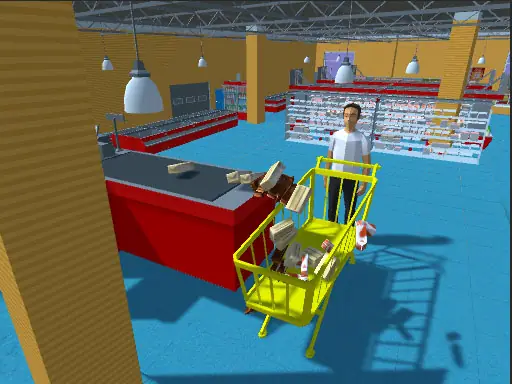
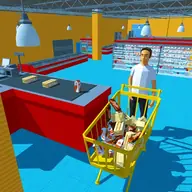
Super Market Atm Machine Simulator: Shopping Mall places you inside a 3D supermarket with household grocery missions. You begin by withdrawing money from an ATM, then move through the store, collect a shopping cart, and select products from grocery shelves. The game combines shopping tasks with a cashier-style payment step.
The instructions also include handling currency at the cash counter and moving items into boxes. This creates a sequence that follows a real shopping trip: get cash, gather the requested goods, and pay for them. Keyboard commands start and stop the activity, while drag-and-drop actions handle the money and products.
How to Play Super Market Atm Machine Simulator: Shopping Mall
Press S to start the shopping activity and K to stop it.
Withdraw money from the ATM before beginning the grocery task.
Pick up a shopping cart and collect products from the supermarket shelves.
Drag currency at the cash counter to pay for the purchases.
Drag the selected items into boxes when the shopping instructions require it.
Tips & Tricks
- 1Finish the ATM step first so you have currency ready for the checkout.
- 2Keep the products grouped in the boxes to make the grocery task easier to track.
- 3Use K when you need to stop the activity, and press S again when you are ready to start.
Game Info
- #1 Player
- #Action
- #Arcade
- #HTML
- #HTML5
- #Mario
- #Simulation
- #WebGL
Something wrong with this game or its description?