About Sudoku Vault
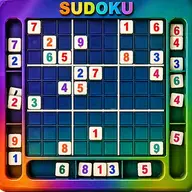
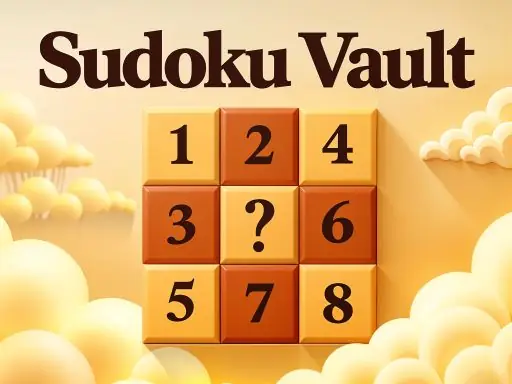
Sudoku Vault offers number-grid puzzles in three sizes: 4x4, 6x6, and 9x9. Each size has Basic, Normal, Hard, and Expert settings, so the same logic format can provide a lighter puzzle or a more demanding test.
The game supports careful solving as well as direct entry. Pencil-style notes let you record possible values, while Check reviews the filled cells, removes incorrect entries, and locks the correct ones. That feedback helps you work through a grid without losing track of reliable progress.
How to Play Sudoku Vault
Select a cell with the mouse or touchpad, then enter a value using the number pad shown on screen.
Press Note to switch pencil marks on or off when a cell has several possible values.
Use Check to review your entries; wrong values disappear and correct values become locked.
Choose among the available grid sizes and difficulty settings to set the kind of Sudoku puzzle you want to solve.
Tips & Tricks
- 1Add notes to uncertain cells instead of committing to a value before the surrounding numbers support it.
- 2Use Check after a group of entries to separate confirmed values from mistakes and keep the grid manageable.
- 3Start by examining the smaller 4x4 or 6x6 layout if you want fewer cells to compare while practicing the puzzle logic.
Game Info
- Category
- Puzzle
- Platform
- Web browser
- Price
- Free
- Added
- Oct 27, 2026
- #Brain
- #Educational
- #Logic
- #Puzzle
- #Skill
- #Sudoku
Something wrong with this game or its description?