About School Connect
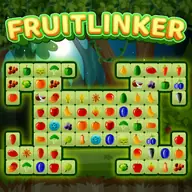
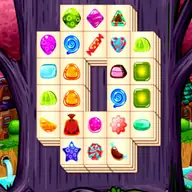
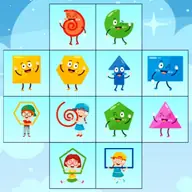
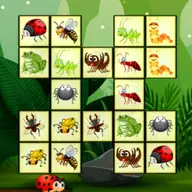
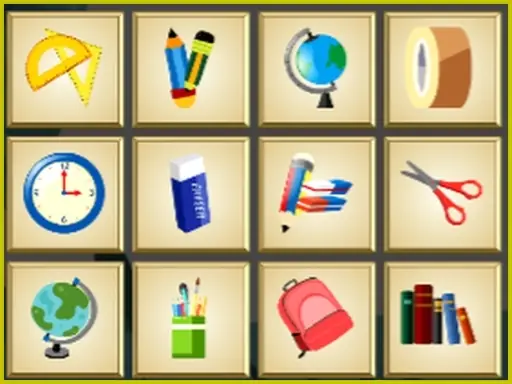
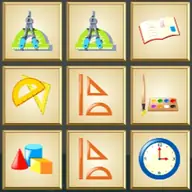
School Connect is a tile-matching puzzle with a school-themed presentation and a simple elimination rule. Your task is to pair identical tiles so both disappear from the board. The challenge comes from finding connections that are possible rather than merely spotting two matching pictures.
Each pair must be joined by a path with no more than two turns. That restriction makes the board a small route-planning exercise, because nearby tiles may not be connectable while a more carefully chosen pair can clear the way. It works with either a mouse or a touch pad.
How to Play School Connect
Use the mouse or touch pad to select two identical tiles on the board.
A pair is removed only when the tiles can be connected with a route containing no more than two turns.
Scan the available symbols before choosing a pair, then select the matching tile that satisfies the connection rule.
Continue matching and eliminating pairs until there are no more suitable tiles left to connect.
Tips & Tricks
- 1Check the open space around a tile before selecting its match, since a clear-looking pair may need too many turns.
- 2Remove pairs that open paths between crowded areas, making later connections easier to see.
- 3When several identical tiles are available, compare their routes rather than choosing the first visual match.
Game Info
- #Board
- #Fun
- #HTML5
- #Kids
- #Mahjong
- #Matching
- #Mobile
- #Puzzle
- #School
Something wrong with this game or its description?