
About Rubik 3D
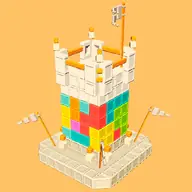
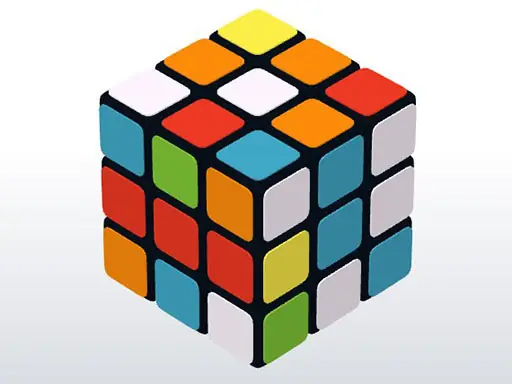
Rubik 3D turns a cube puzzle into a three-dimensional swipe game. You can work with one cube or swipe across all sides, giving you a direct way to rotate the puzzle from different views.
Its relaxed puzzle style centers on choosing the right swipe for the side you want to change. Mouse input keeps the interaction straightforward, while the 3D presentation lets you examine the cube as you work.
How to Play Rubik 3D
Use the mouse to swipe across the cube.
Swipe left or right to rotate the selected side.
Choose a single cube when you want to focus on one part of the puzzle.
Swipe across all sides when you want to change the wider cube arrangement.
Tips & Tricks
- 1Decide whether a move belongs to one side or the whole cube before swiping.
- 2Use left and right swipes deliberately so the visible arrangement stays understandable.
- 3Check the cube after each rotation rather than making several unexplained moves in succession.
Game Info
- #Casual
- #HTML
- #HTML5
- #Hypercasual
- #Puzzle
Something wrong with this game or its description?