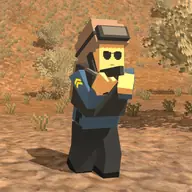
About Pixel PUBG
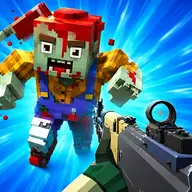
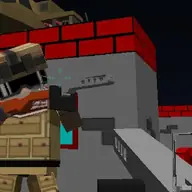
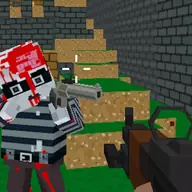
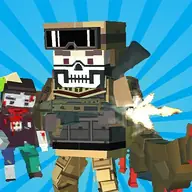
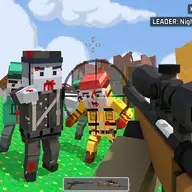
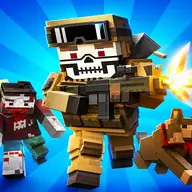
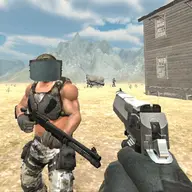
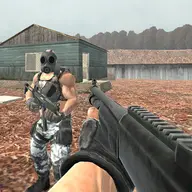
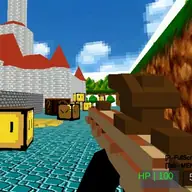
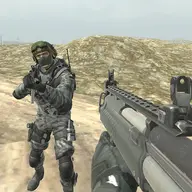
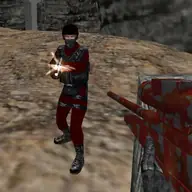
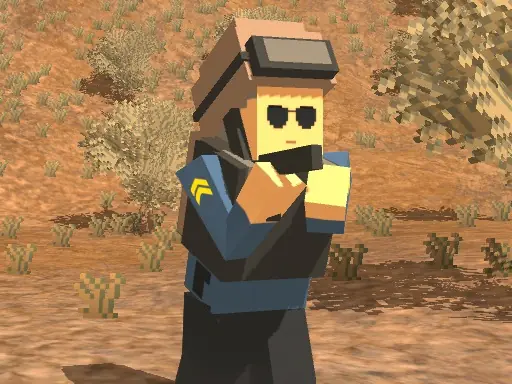
Pixel PUBG is a 3D shooting game with five characters and two maps to choose from. You can enter Battle Royale or Sandbox, explore the map, collect weapons, and face opponents in a pixel-styled battleground.
Weapons are placed around the map, while the inventory helps you manage what you pick up. Movement, aiming, shooting, crouching, running, and jumping all have dedicated controls, creating a broad combat toolkit. The match is about using the environment and equipment effectively while trying to eliminate the other players.
How to Play Pixel PUBG
Move with WASD or the arrow keys, then use the left mouse button to shoot.
Aim with the right mouse button and interact or pick up weapons with F.
Jump with Space, run with Left Shift, crouch with C, and reload with R.
Open the inventory with Tab and cycle weapons with Q or E.
Choose a character and map, then fight the opponents you encounter.
Tips & Tricks
- 1Pick up weapons as you explore so you are ready before meeting an opponent.
- 2Use crouching, aiming, and running for different combat situations rather than relying on one movement style.
- 3Check the inventory with Tab and reload with R before your weapon becomes a problem.
Game Info
- #Battle
- #Battlegrounds
- #Gun
- #Pixel
- #Unity3D
- #weapons
- #WebGL
Something wrong with this game or its description?