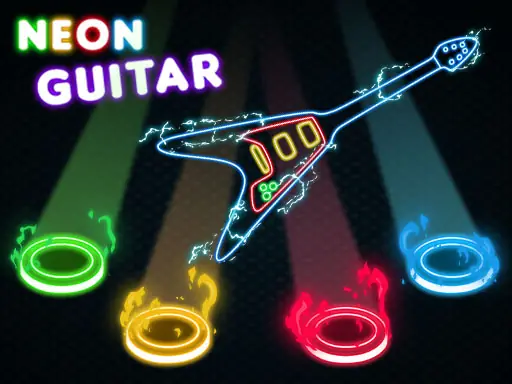
About Neon Guitar
Neon Guitar turns falling musical notes into a colorful reflex challenge inspired by Guitar Hero. Your goal is to hit as many notes as possible as they descend, building a score and trying to beat your high score.
Its bright neon artwork gives the play area a vivid style while the note pattern keeps your attention on timing. The game supports keyboard, mouse, gamepad, and mobile touch controls, so the same note-hitting idea can be played with the input method that suits your device.
How to Play Neon Guitar
On desktop, use the A, S, K, and L keys to respond to notes in their matching positions.
A desktop mouse or gamepad can also be used, with the gamepad inputs listed as LT, LB, RB, and RT.
On mobile, press the touch buttons displayed within the game area when notes reach the playable points.
Hit falling notes accurately to add points and continue working toward a higher score.
Choose one supported control method and use it consistently while following the notes down the screen.
Tips & Tricks
- 1Keep your fingers near A, S, K, and L if you are playing with the desktop keyboard.
- 2Watch the descending notes rather than the score so your input stays tied to their timing.
- 3If keyboard or gamepad controls feel awkward, switch to the mouse or the visible mobile touch buttons.
Game Info
- #1 Player
- #2D
- #Action
- #Best
- #Game
- #HTML5
- #Music
Something wrong with this game or its description?